
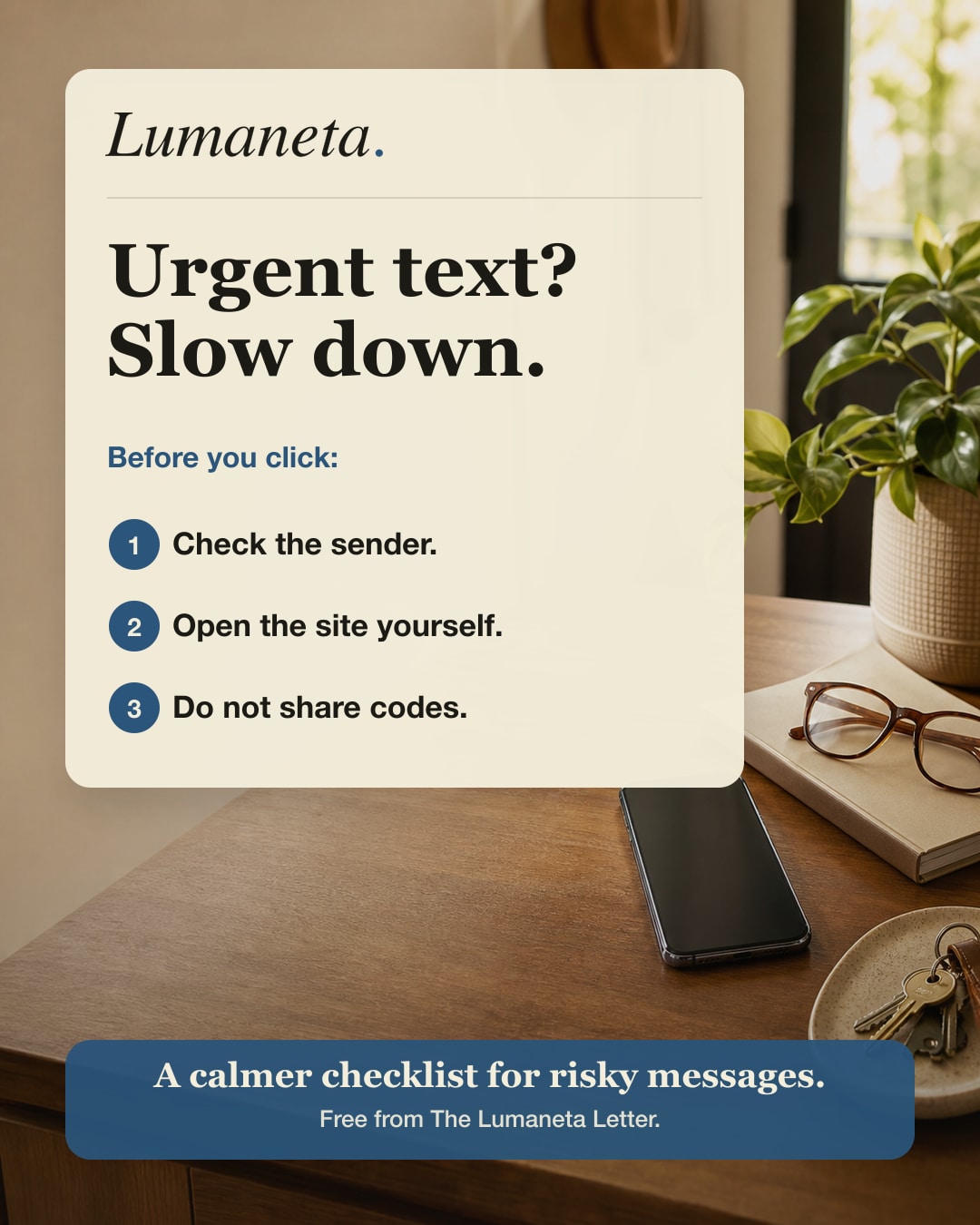
Check the sender
A display name can be copied. The number, address, and context matter more.
Free guide preview
Preview a plain-English checklist for texts and emails that ask you to click fast, reply fast, or share private details.
Get the free Lumaneta note in your inbox.
Why it works
Most risky messages depend on speed. This page gives people a repeatable habit before acting on a text or email.
A display name can be copied. The number, address, and context matter more.
Open the company app or website directly instead of using the message link.
One-time codes, private account details, and payment details do not belong in replies.
Checklist preview
These are the steps a reader can use before touching a link in a message.
Keep reading
The real Lumaneta site has the full newsletter archive, guide previews, and membership details.
Free email
Get the safety checklist and future plain-English notes.
You will get educational Lumaneta notes. No purchase is required.
Free to read. Unsubscribe anytime. See the privacy policy.