
The sender does not match
A copied display name can look real. The actual email address, reply-to line, and link destination matter more.
Is this email fake?
For $3/month, forward the suspicious email to Emily and get a calm, plain-English read on what looks fake, what not to touch, and how to check safely from the official site.
After subscribing, forward the suspicious email. Emily will explain what looks off, what to ignore, and the safest next step.
Emily, I got this email and I am not sure if it is real. Can you tell me what looks fake and what I should do next?
$3/month. Cancel anytime. Email-first help you can reread.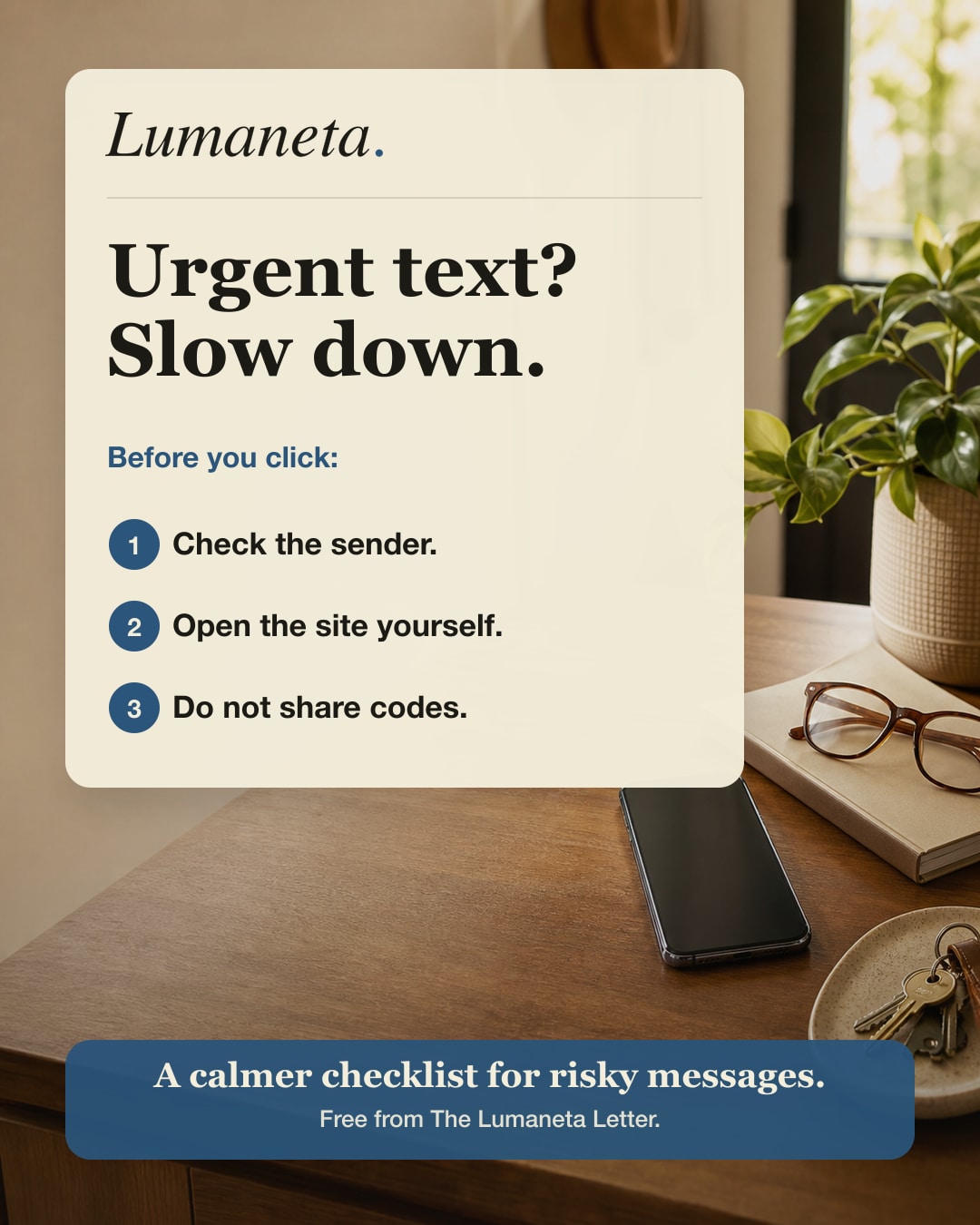
Email warning signs
The question is not whether you can spot every scam. The safer habit is to pause, avoid the link, and check the message with someone calm before giving away money, codes, or account access.
A copied display name can look real. The actual email address, reply-to line, and link destination matter more.
Account locks, delivery fees, renewal warnings, and refund deadlines are common pressure patterns.
If the email might be real, open the official website or app yourself instead of using the email button.
Phishing email examples
A fake email is often close enough to look real at a glance. These are the kinds of messages Emily can read with you before you touch a button or reply.
The email says an Amazon, bank, PayPal, or email account will close unless you click a button. Emily checks the sender, link pattern, and safest official route.
The email mentions a charge, refund, delivery fee, toll, or subscription renewal. Emily helps separate a real notice from a payment trap.
The email asks you to open an invoice, voicemail, shared document, or security attachment. Emily helps decide whether to ignore it or verify another way.
Checklist preview
These are the steps a reader can use before touching a link in a message.
Keep reading
The real Lumaneta site has the full newsletter archive, guide previews, and membership details.
Ready for Emily's read?
The next useful step is the paid review itself. Subscribe for $3/month, forward what brought you here, and get a calm answer you can reread before touching links or sharing information.
After subscribing, forward the suspicious email. Emily will explain what looks off, what to ignore, and the safest next step.
Emily, I got this email and I am not sure if it is real. Can you tell me what looks fake and what I should do next?
$3/month. Cancel anytime. Email-first help you can reread.Subscribe, then forward it