
The Lumaneta Letter
When to keep a one-time code private
How to tell when a verification code is for you and when it is a scam.
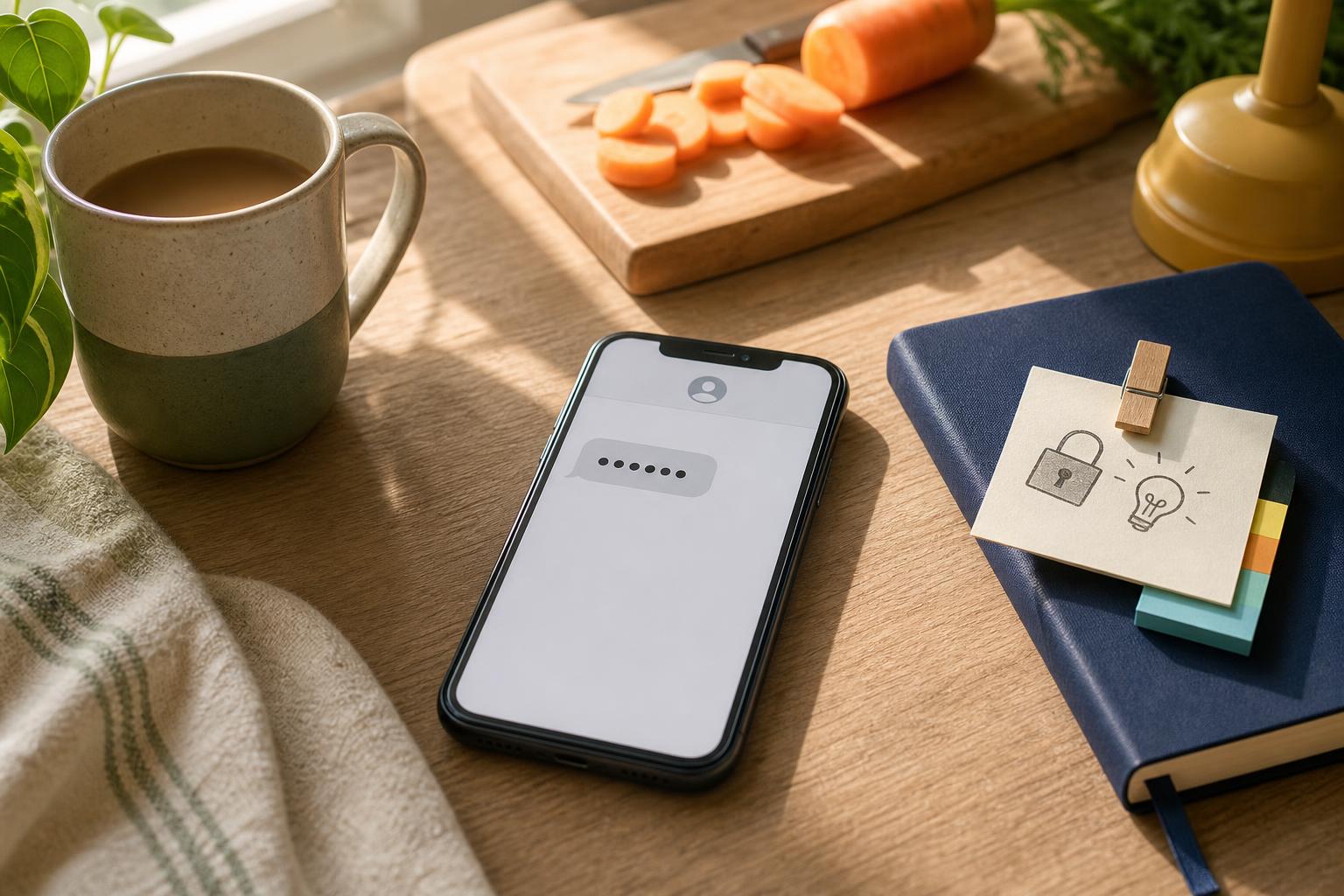
You are at the kitchen table, chopping carrots, and your phone buzzes with a six-digit code. A person calling about your "account" asks you to read it out. Pause. Most of these codes are a temporary passkey for one action, not a password you should share. That small difference is exactly what scammers count on. In this note I will explain the simple rule that separates safe from risky, show a quick in-the-moment check you can do, and leave you with one habit to make automatic.
Why a code is usually a short, single-use passkey
A one-time code is a short number sent to prove someone has access to the phone number or email at that moment. Services send them when you ask to sign in, reset a password, or confirm a purchase. They are usually valid for just a few minutes and will not work again. That design is protective because it ties an action to a device and a short time window. The security only works if initiation and entry stay together. If you request a code and enter it on the same app or site right away, the system confirms it was you. If someone else moves the code to a different app, call, or web form, that protection breaks down.
Tiny check
A sign-in screen looks unfamiliar. What do you check first?
Pick the clue that tells you whether you are starting from a trustworthy place.
Three plain rules to follow when a code arrives
Reassurance first. It is fine to stop and check. Follow these rules when a code appears.
- Do not read the code to someone who called you. Treat the code like a key to your front door during a phone call.
- Do enter the code only on the app or website where you started the action. If you asked to sign in on the bank app, type the code there.
- Do not paste or enter the code into a link someone sent you unless you initiated that exact action.
These rules work because legitimate flows start with you and end with you entering the code where you began. Scammers create confusion by asking you to move the code into their hands.
A quick three-step check you can do right now
If a caller or a message asks for your code, run this short check before doing anything else.
- Remember whether you just tried to sign in, reset a password, or confirm an order. If you did not initiate one of those actions, do not share the code.
- Ask the caller where exactly the code will be used. If they cannot give a clear answer like "enter it in your bank app while you sign in now," refuse.
- Tell them you will handle it yourself, hang up, and if needed call the company back using a number on their official website or your statement. Do not use a phone number they give you in the call.
This short check moves control back to you and removes the rush that scammers rely on.
What to do if a friend or housemate asks for your code
Sharing a code within your household can be okay when you started the action and you are present. Example: you ask your adult child to sign into the streaming app on the living room TV and you hand them your phone to enter a code. That is fine because you initiated it and you are nearby. Never give a code to someone who calls claiming to be tech support, a delivery person, or your bank unless they can be verified and you initiated the request. If you are unsure, offer to enter the code yourself while they watch.
How codes vary and one safe alternative to sharing
Codes can arrive by text message, email, phone call, or an authenticator tool. Text codes can be intercepted in rare cases, and emails can be accessed if an account is already compromised. Authenticator apps generate codes on your device and are generally safer because they do not travel over the network, but setup steps vary by phone and service. If someone needs temporary access, prefer handing over a device in person or creating a guest account on the service rather than reading out a verification code over the phone. That keeps the code tied to the device where it belongs.
A habit worth keeping: a short default phrase
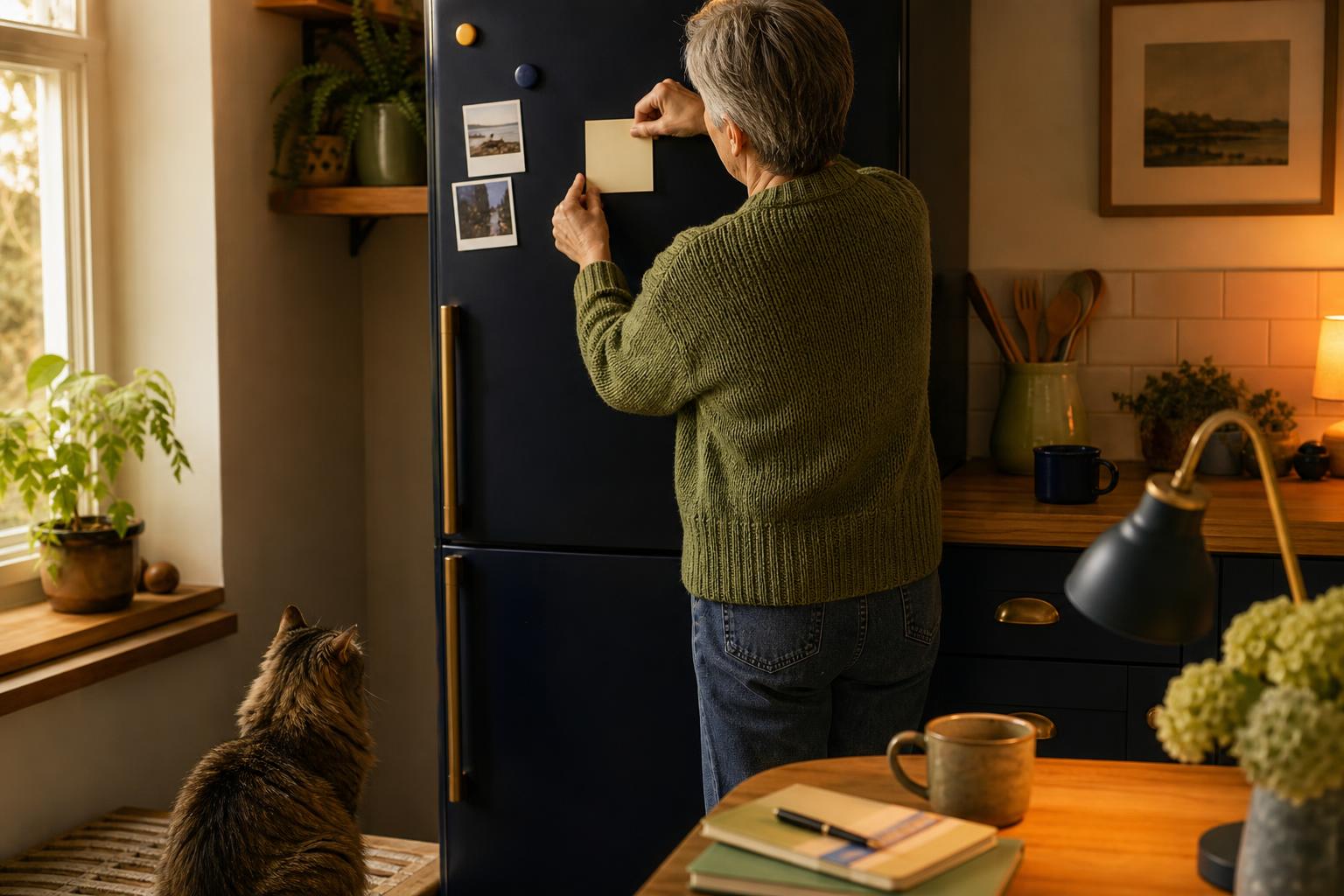
Make a short, calm sentence your default reply when asked for a code: "I did not request one. I will handle my account myself." Say it out loud and then hang up or close the message. Place a small sticky note on your fridge or computer with the line: Do not read codes to callers. That visible cue will help in the distracted kitchen moments when a call interrupts dinner prep or when a delivery alert pops up during a TV show. Over time the phrase becomes automatic and cuts through the confusion scammers try to create.
Try it this week
Notice your next sign-in
The next time an account asks you to sign in, pause long enough to notice the website, the device, and the exact method it offers. That ten-second check makes unfamiliar sign-in language easier to recognize.
Ask about a sign-inKeep that short phrase handy and treat verification codes like keys you control. Little habits like this stop many common scams without adding hassle.
Emily
If you want a printable checklist to keep by your phone, reply and I will email one.