
The Lumaneta Letter
Before you tap Allow on app tracking
What app tracking asks for and how to decide on your phone privacy.
Hi. If you have paused before tapping Allow when an app asks to track you, you are not alone. Those little popups can feel urgent, but they are almost always asking for permission to follow what you do across apps and websites so companies can show targeted ads or build profiles. That can be useful in small ways, like seeing ads for a jacket you actually shopped for, and annoying or intrusive in others. I want to make this simple and practical so you can choose with confidence. Below I explain what the prompt means, how to check your settings, what to avoid, and a short safety note. You can read this in about five minutes while your tea cools on the kitchen counter.
What it means
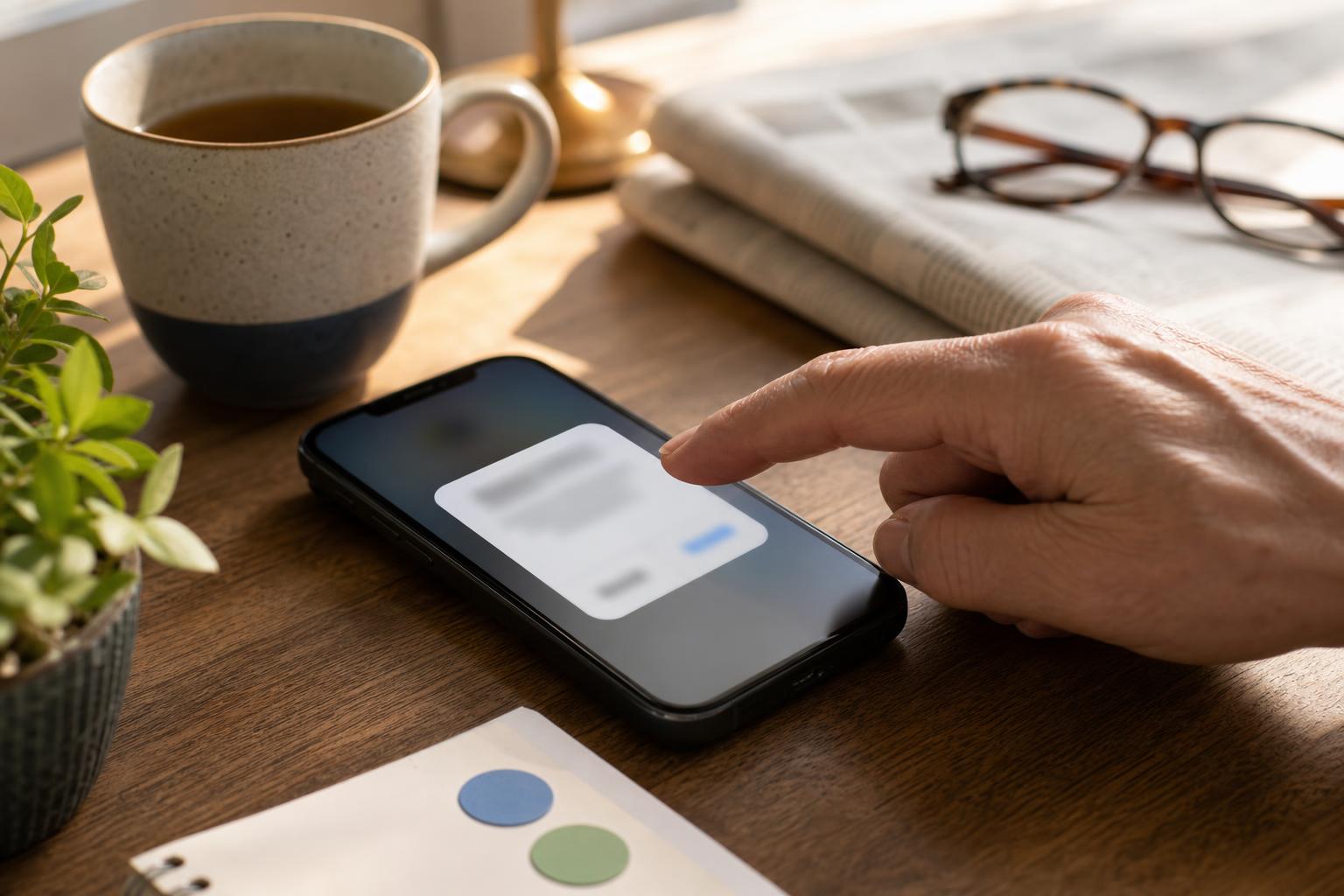
When an app asks to track you, it is asking permission to collect identifiers that tie your activity in that app to activity in other apps and websites. Think of it as the app asking if it can follow breadcrumbs you leave around the internet. If you allow tracking, advertisers and data partners can match those breadcrumbs and show ads that are more tailored to your browsing. If you say no, the app can still operate. You will still see ads, but they are less likely to be based on your behavior elsewhere. Picture your phone next to a bowl of keys on a hallway table. Allowing tracking is like letting someone note which keys you touch and when.
Tiny check
Before sharing family photos, what would you check first?
Pretend you are sending a small album after a birthday or visit. Tap the first privacy clue you would check.
How to check it
If you want to confirm or change tracking permission, do this on your phone. It takes a minute and keeps you in control. Follow these steps.
- Open Settings and tap Privacy.
- Tap Tracking and look at the list of apps. Toggle Off next to apps you do not want tracking you.
- Go back to each app to make sure they still work the way you expect. Some apps will ask for permission again later; you can deny it then too.
If your phone is Android, search Settings for Ads or Privacy and look for a setting called "Ads personalization" or similar. Turning it off reduces targeted ads across apps.

What not to do
Do not feel you must tap Allow because an app looks popular or because a popup suggests a benefit. Some apps present the request in a way that makes it seem required when it is optional. Also avoid changing settings based on a single article or stranger online. If an app genuinely needs a tracking-style permission to sync accounts or maintain a login across devices, it will usually explain that in its account or privacy settings, not just the popup. Finally, never respond to prompts asking for one-time codes, passwords, or banking details. Those requests are unrelated to tracking and are a red flag.
Safety tip
If a prompt behaves oddly, pause. A normal tracking request is a simple system popup that mentions "Allow Tracking" or similar language. If you see a full-screen message with lots of small print, a request for financial or personal details, or a link to a website that asks you to sign in again, close the app and check the app's listing in the official app store. Reinstalling the app from the store can clear tampered versions. Keep your phone updated. Updates include security fixes that reduce the chance of an app misbehaving. A visible household clue that something is off: if an app suddenly starts showing popups every time you put down the TV remote, close it and check settings.
Tech term explained
Identifier for Advertisers. This is a small label your phone gives apps so advertisers can recognize your device without knowing your name. It is like a library card number for your phone that can be reset. When the label is shared across apps it helps advertisers link activity in one app to activity elsewhere. You can reset this identifier in your phone settings to wipe the slate clean. Another handy term is "personalized ads." That just means ads chosen because of things you clicked, searched, or bought before. Personalized does not mean the app knows your name unless you gave it in an account signup.
The bottom line
You do not need to be tracked to use most apps. Saying No to tracking makes your phone less useful for targeted advertising and reduces the amount of cross-app profiling. If you like seeing content tailored to your tastes, Allow may feel appealing. If privacy and peace of mind matter more, deny tracking and revisit your settings now and then. Trust how the app behaves. If it keeps nagging or asks for unrelated personal details, treat that as a warning. Small choices add up. Start with the setting that feels right for your day to day, and adjust it later if your needs change.
Try it this week
This week's tiny challenge
Forward one confusing email, text, pop-up, or screenshot this week. We will tell you what to do next, free.
Send one weird thingTake care while you click. A little caution goes a long way toward keeping your phone feeling like yours.
Emily
If you want a hand checking your settings, reply to this email and we will help by email.