
The Lumaneta Letter
How to check QR code safety
Quick ways to tell if a QR menu or sign is safe to open.
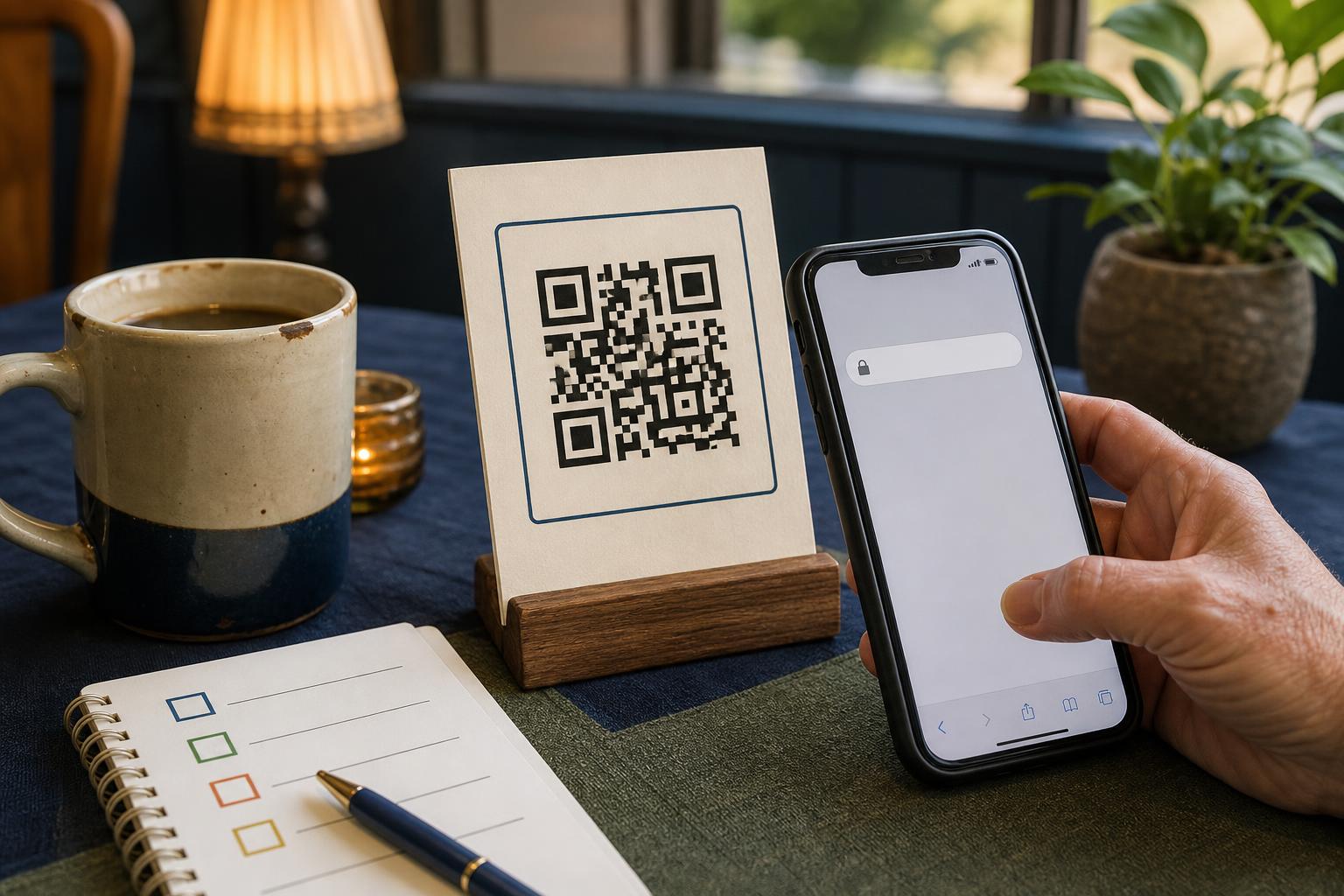
Hi, I’m Emily. If you feel unsure about scanning a QR code at a cafe, doctor’s office, or community center, you are not alone. QR codes are convenient and mostly fine, but a small number can send you to a fake website that asks for information or installs something on your phone. That sounds worse than it usually is, and the good news is that a few quick checks will keep you safe. This letter gives practical steps you can do in a minute, a short glossary, and a challenge to send me one confusing QR you see this week. Picture a paper menu on a little wooden stand next to a chipped ceramic mug. Let’s walk through it together.
What it means
A QR code is a compact black-and-white square that links to a website or action on your phone. It does not itself contain a full webpage. Scanning the code tells your phone to open an address, like typing a URL into a browser. Most of the time that address is a harmless menu or a booking page. The risk comes when a code points to a fake site that looks real but tries to trick you into giving information. Think of it like a paper flyer with a web address written in tiny print. The code is a shortcut. The shortcut can be safe or it can lead somewhere you would not choose to go if you had seen the full web address first.
Tiny check
Before scanning a QR code, what matters most?
Tap the clue you would use before opening the link.
How to check it
Before you tap, take a moment. These quick checks work on any smartphone and take less than a minute.
- Tap the code to preview the link but do not enter any details.
- Look at the web address shown at the top of your phone. Check for the business name and a familiar domain like .com, .org, or a local business domain.
- Compare the site design with what you expect. If a coffee shop’s menu page looks like a login screen or asks for a payment before showing prices, back out.
- If unsure, ask the staff if the code is theirs or use the business’s website or phone number instead.
What not to do
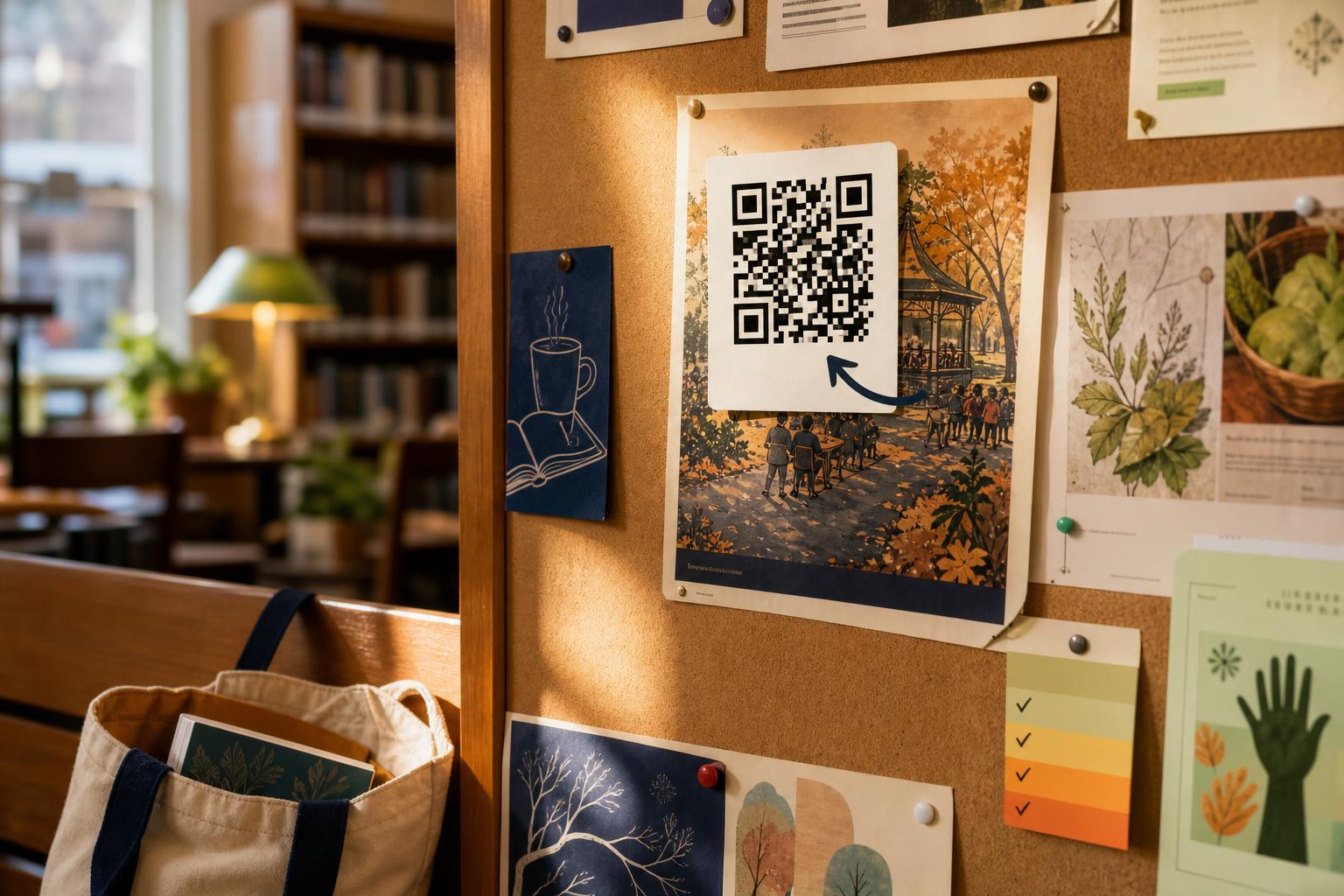
There are a few tempting moves that increase risk. Do not enter passwords, banking info, Social Security numbers, or one-time codes after following a QR link. Do not install unknown apps or allow downloads prompted by a site you reached via a code. Do not scan a code stuck over another sign or taped on a place where it looks like someone added it later. For example, if a municipal notice on a bulletin board has a fresh sticker covering the original logo, treat the code with suspicion. When in doubt, open the business’s official website by typing its name into a search engine instead of scanning.
Safety tip
Keep your phone’s software updated and use the browser preview. Modern phones show the web address before completing navigation. That preview is enough to spot a suspicious domain. If you use a password manager, note that it will not fill passwords on a site with a different address than you expect. Use that as a cue to stop. For added safety in public places, rely on mobile data rather than unfamiliar public Wi-Fi when checking a link from a QR code. A quick household example: if you scan a restaurant QR while sitting at your kitchen table with a pot of tea nearby, you can take the extra two seconds to examine the URL before interacting further.
Tech term explained
Domain. This is the main part of a web address, like example.com. When you open a QR link, check the domain to see if it matches the place you intended. Subdomain. This is a smaller name added before the domain, like specials.coffeeplace.com. Some scams use strange subdomains or misspellings. HTTPS. That is the padlock symbol at the start of a web address. It means your connection to the site is encrypted. Encryption is not a guarantee the site is legitimate, but if encryption is missing, leave the page. These three small checks,domain, subdomain, and HTTPS,help you decide quickly whether to trust a QR link.
The bottom line
QR codes are useful and usually safe if you take two minutes to preview and think. If a code looks pasted over another sign, asks for sensitive details, or takes you to an unfamiliar domain, do not proceed. When in public, trust your instincts and ask the business if the code belongs to them. Try this small weekly practice: the next time you see a QR code, pause and read the web address before clicking further. That short habit protects you better than any app. If you want, I’ll look at one confusing QR you find this week,send a description.
Try it this week
This week's tiny challenge
Forward one confusing email, text, pop-up, or screenshot this week. We will tell you what to do next, free.
Send one weird thingTake care when you scan and keep that curiosity. I’m happy to help you check one QR code this week.
Emily
If you liked this guide, reply with one QR that puzzled you and I’ll take a look.