The Lumaneta Letter
Backups you can actually trust
How to check your photos and files are really safe, before something breaks.
Hi. If the idea of losing photos or important papers makes your stomach drop, you are not alone. The good news is that most people already have copies of their stuff somewhere. The tricky part is knowing those copies will be there when you need them. In this letter I will show you a short checklist you can run through in 10 to 15 minutes that proves your photos and documents are backed up. No tech mysticism, just a few checks you can do on your phone and computer today. Breathe. You can do this, and I will walk you through each step.
What it means
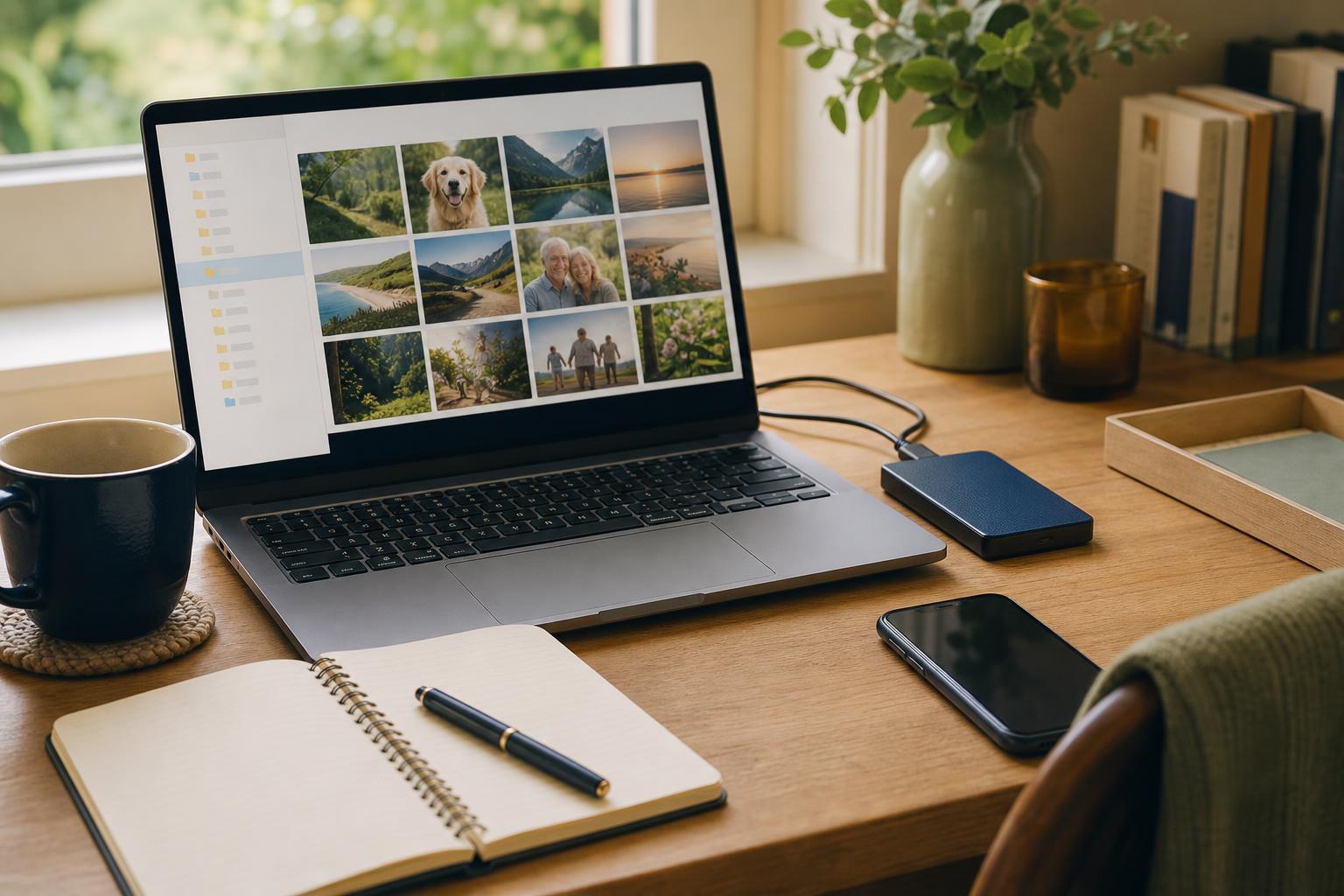
A reliable backup means you have a second copy of a file stored somewhere separate from the device where you normally use it. For example, if your phone falls and stops working, your family photos are safe because you have copies in another place. That other place can be a cloud service (online storage) or a physical drive in your home. The important parts are: the second copy exists, it is complete (no missing recent photos), and you can get it back when needed. Think of a backup like an insurance policy that you can access yourself, not paperwork tucked in a drawer you cannot open.
How to check it
You can confirm your backups with a quick, practical spot-check on the devices you use most. Pick one phone or computer and one folder of recent items, like last month’s vacation pictures or last year’s tax files. Then follow these steps.
- Open the original file on the device where you usually keep it and note the date and file name.
- Open the backup location (cloud app or external drive) and find the same file and date.
- Download or open the backed-up file to confirm it opens and looks right.
- Repeat this for two more files in different folders, such as photos and a document.
If any step fails, write down where it failed and use that to fix the backup method or contact someone who helps you with tech.

What not to do
Do not assume a single green checkmark or a blinking icon means everything is backed up. Those icons show activity, not completeness. Do not rely only on an email attachment as your backup. Email can be deleted, and attachments often shrink image quality. And do not keep the only backup on the same physical device as the originals. For example, a laptop and an external hard drive sitting together during a flood are both at risk. Lastly, do not ignore free storage limits. If your cloud account is full, new photos will not be copied until you clear space or add storage.
Safety tip
Never share passwords, one-time codes, or banking details with anyone who calls or emails claiming they will fix your backup. A reasonable tech helper will never ask for your password. If you see a message saying your backup is inaccessible and asking for a code you received on your phone, treat that as a red flag. Instead, check your backup by signing into the service yourself on a trusted device. If possible, set up two-step sign-in that uses a secondary verification method you control, like an app or a hardware key, not text messages when you can avoid it.
Tech term explained
Cloud backup. This just means your files are copied to a company’s computers you reach over the internet. The cloud is not magic; it is someone else’s server room. When you use cloud backup, your phone or computer sends files across the internet to that remote place. The advantages are automatic copying and off-site safety. The disadvantages are that you must trust the company, have a working internet connection to restore files, and possibly pay for enough storage. A local backup means a physical drive in your home, which is fast to restore from but can be lost to theft, fire, or water damage.
The bottom line
Prove your backups work by opening at least three recent files from the backup location and restoring one to your device. Keep one backup off-site or in the cloud and one local copy if possible. Make a habit: check a few files every three months, and add a reminder to your calendar right now. The small effort now is the only guarantee that your photos and important documents will be there when something goes wrong. You will sleep better knowing you did a real test.
Take care of your memories and your paperwork with small checks, not hope.
Warmly,
Emily
If you want a simple checklist emailed to you, reply and I will send one.