
The Lumaneta Letter
Share family photos without oversharing
Keep albums private, use links, and check settings safely.
Hi. If you love sharing family photos but worry about who can see them, you are not alone. I want to reassure you: you can share memories with just the people you choose, without opening everything to the world. Over the years I have helped friends set up albums that grandparents, cousins, and nieces can use without surprises. This note walks through the easiest, safest ways to share: private albums, invited viewers, and time-limited links. I’ll show how to check settings, what to avoid, and a short glossary of terms so the technical bits feel normal. Picture a simple family album on your table, a cup of tea, and the relief of knowing the photos are where you want them.
What it means
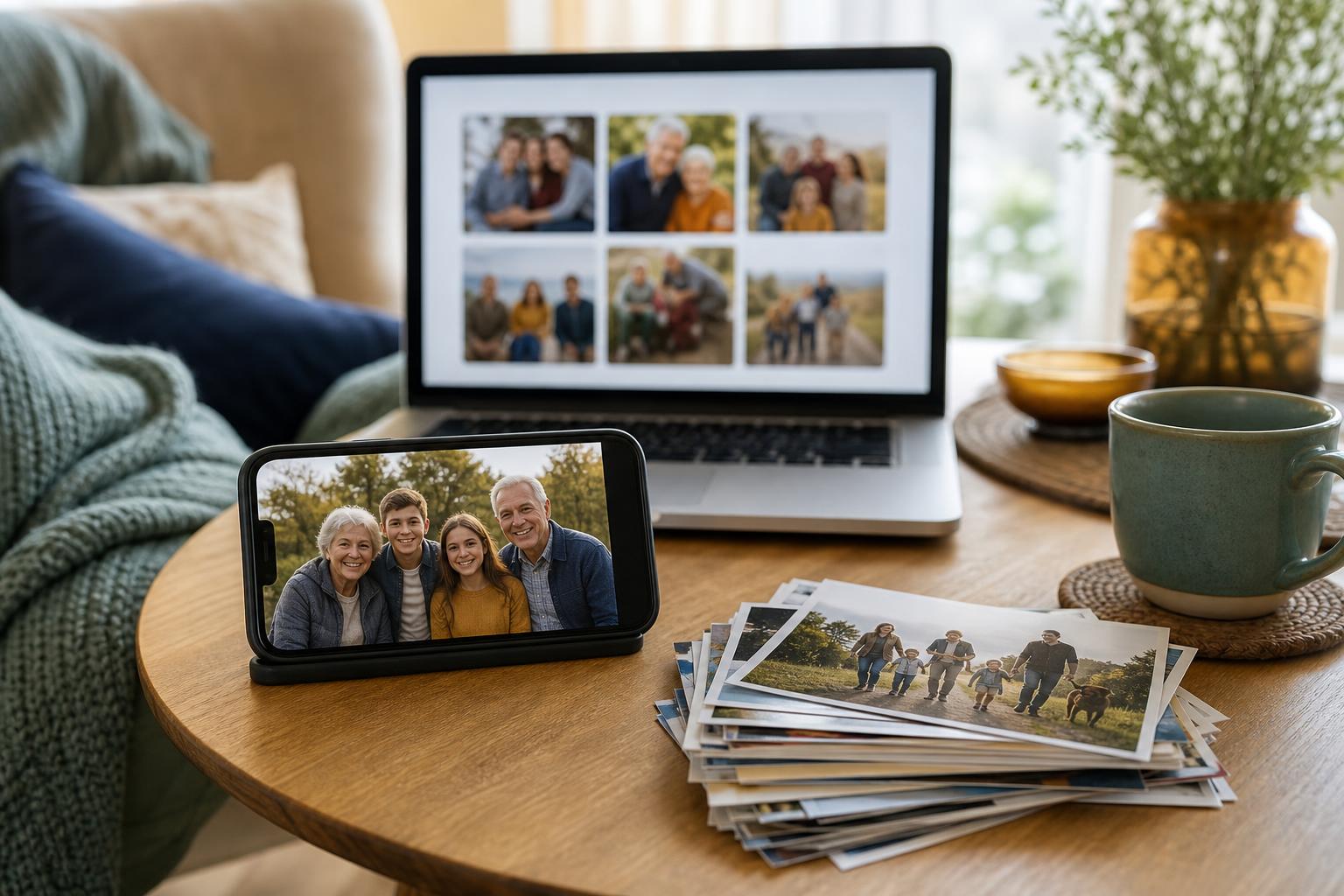
Sharing safely means giving people access to photos without making them public. There are three common ways to share: private albums that require an invitation, shared links that anyone with the link can open, and social posts that are visible to many. A private album is like a photo box kept in a friend’s living room: invited people can look in when they have permission. A shared link is like handing someone a printed photo. It is easy to pass along. Knowing which method you are using prevents accidental wide sharing. A household example: send a private album to cousins for a reunion, and use a link only when you want more casual access for distant relatives.
Tiny check
Before sharing family photos, what would you check first?
Pretend you are sending a small album after a birthday or visit. Tap the first privacy clue you would check.
How to check it
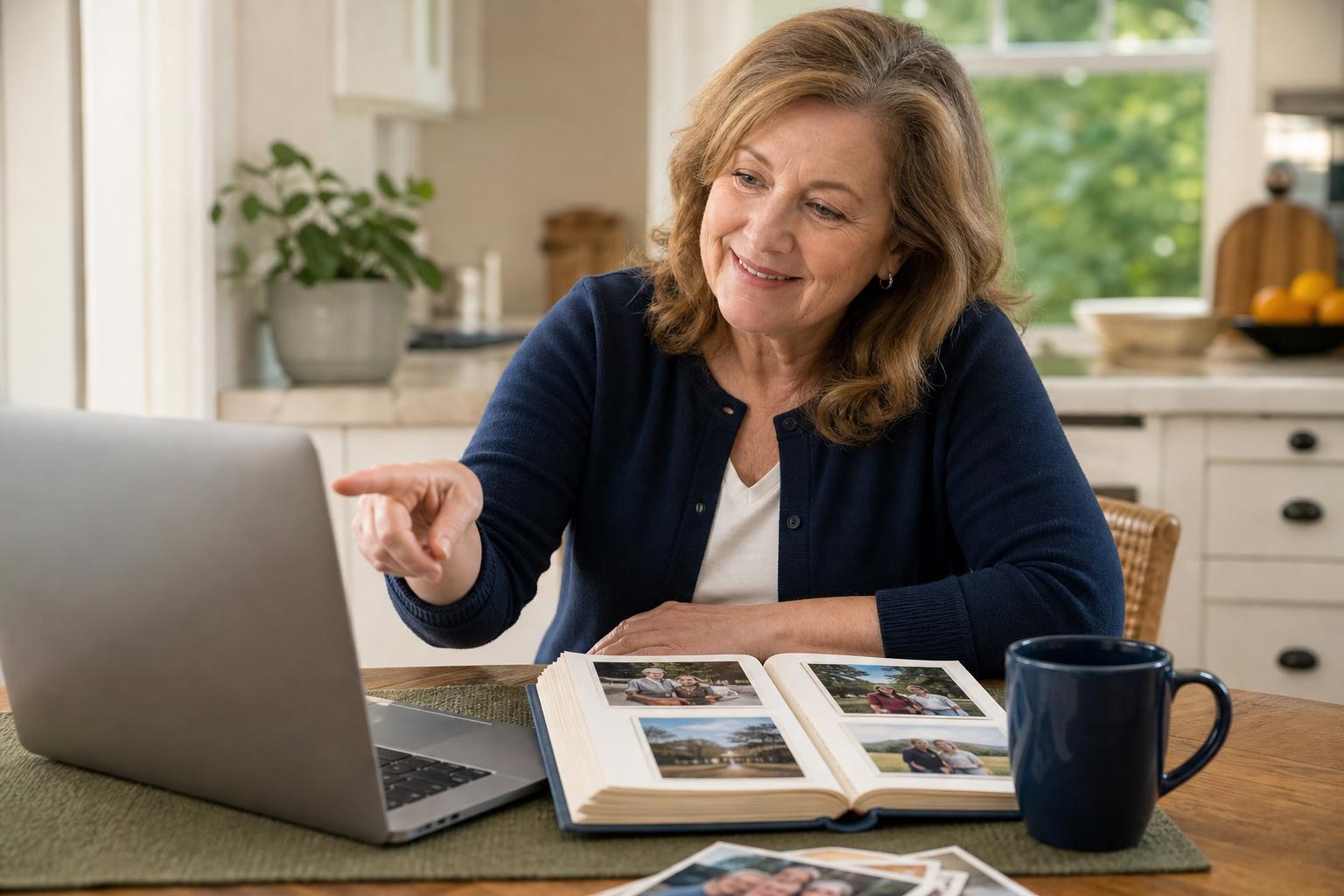
If you are not sure who can see a photo, check the sharing settings now. Follow these steps on the phone or computer where you store your pictures. Take your time and look for words like Private, Shared, or Link.
- Open the album or photo and find Share or Settings.
- Tap Viewers or People and read the list of names and emails.
- If you see Anyone with the link, change it to Invited people only or Remove link.
After you finish, send a quick test: open the album in a different browser or ask a family member to confirm they can access it. That small check catches the most common mistakes.
What not to do
Avoid these common mistakes. First, do not copy and paste a sharing link into large public groups or on social media. A link can travel farther than you expect. Second, do not assume that "friends" settings match your intent. Some platforms treat friends of friends as viewers. Third, do not upload everything to a service without checking default settings. I have seen whole childhood albums become visible because an app set new albums to public automatically. Finally, do not use the same link for years. Periodically revoke old links so access is fresh and controlled. Small habits prevent big surprises.
Safety tip
Treat identifying details like addresses, school names, medical information, or exact locations as private. If a picture shows a home number, a license plate, or a school building, either crop that area or keep the photo in a private album. Another helpful habit is to turn off automatic location tags before you share. On many phones you can remove location data when exporting or sharing a picture. A household example: before emailing vacation photos, open the first picture and remove location info so your home address does not travel with the file. These small steps protect both adults and children.
Tech term explained
Link. A link is a web address that opens content for anyone who clicks it. Think of it as a photocopy of a key. If someone copies the key, they can open the door until you change the lock. Private album. A private album requires you to invite specific people by email or account name. It is like a key that only works for the people you name. Expiration. A link expiration means the link stops working after a set time. Use expirations when you want temporary access, for example, when relatives need photos for a single event. These quick definitions make it easier to choose the right sharing method.
The bottom line
You do not need to choose privacy over sharing. Use private albums for regular family sharing, use time-limited links for temporary access, and check the viewer list before you send anything. When in doubt, invite people by name and remove location data. A good, practical rule: if a photo would make you uncomfortable if a stranger saw it, keep it in a private album or remove identifying details first. That way you can enjoy sharing the memories without the worry that they have floated off into the public internet.
Try it this week
This week's tiny challenge
Forward one confusing email, text, pop-up, or screenshot this week. We will tell you what to do next, free.
Send one weird thingTake care when you send the next batch of photos. Small checks now save trouble later.
Emily
If you want a quick settings checklist for your phone or computer, reply and I will send one by email.