
The Lumaneta Letter
How to scan QR codes safely
Spot swapped stickers, avoid fake payment or menu pages.
Hi. If QR codes in restaurants, on posters, or at a bus stop make you uneasy, that feeling is useful. QR codes are handy, but they can be swapped or linked to fake pages that ask for money or personal information. You do not need to stop scanning them. You just need a small checklist to keep scans safe. I’ll walk you through what a swapped sticker looks like, how to preview a link without handing over anything, and what you should never type into a page that opened from a QR. Think of this as a quick habit that keeps your phone and wallet safe. Read the short checklist, and tuck the steps into your routine like checking your shoe laces before a walk.
What it means
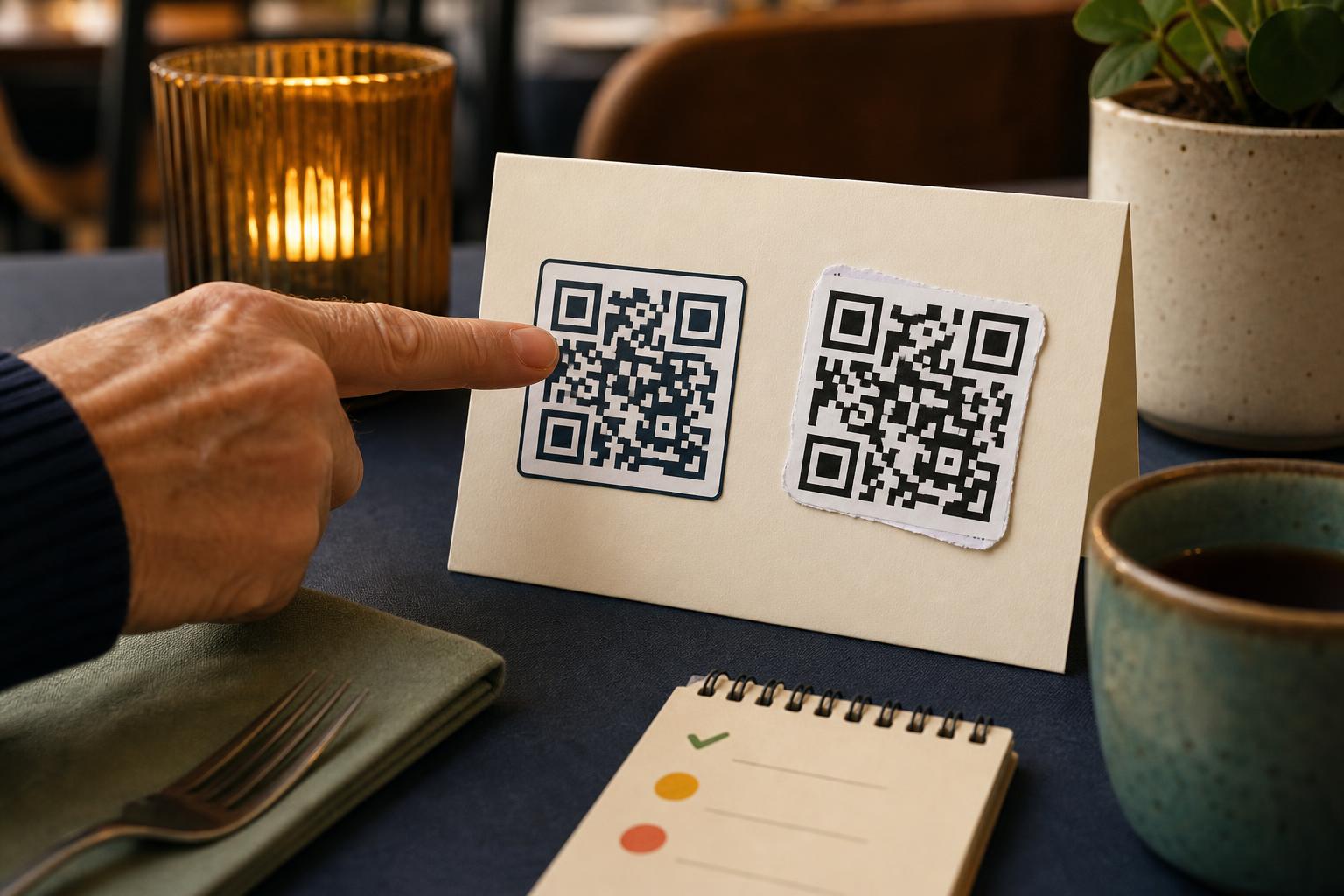
A QR code is a printed square that points your phone to a web address. When someone swaps a real QR sticker with a fake one, the fake points to a different web page. That page can look like a payment site, a menu, or a sign-in form. The danger is not the code itself. It is the web page the code opens. In a café you might expect the code to open a menu. A swapped sticker could open a fake checkout that asks you to pay. In a transit stop, a code that should show a timetable could instead try to download something or ask for your phone number. Spotting small differences will save you trouble.
How to check it
Start with these quick checks before you type or tap anything. They take less than 10 seconds and will stop most scams.
- Point your camera at the QR code and wait for the preview. Do not tap the page until you read the web address.
- Read the first part of the web address. Look for the business name or a familiar short domain. If it is a long string of letters or strange words, do not continue.
- Compare the sticker to nearby signage. Turn the sticker to check for glue edges or a different paper texture. If it looks pasted over, ask staff.
- If you must pay, use the business’s official app or card reader instead of a page you opened from a public QR code.
What not to do
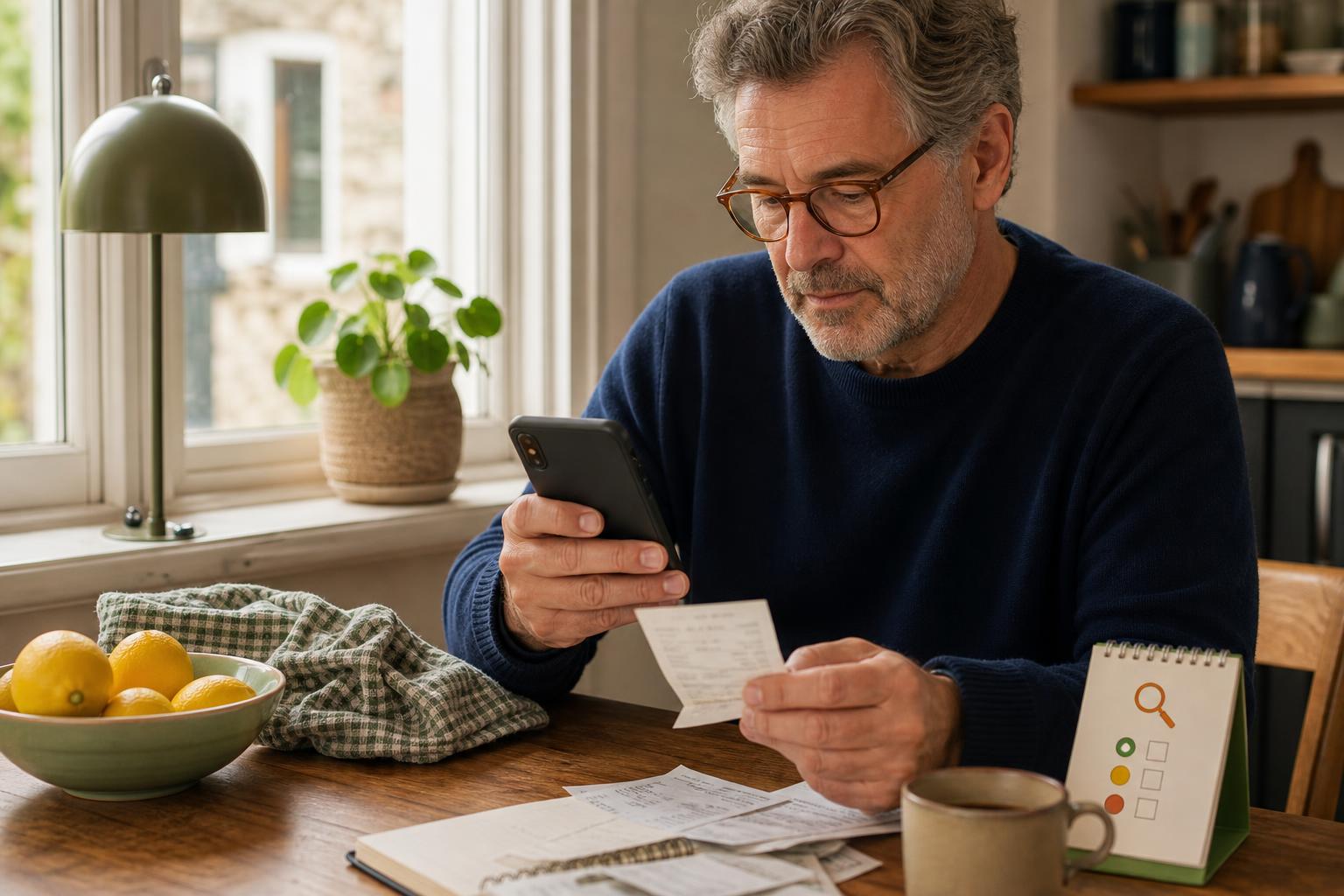
There are a few common mistakes people make that open the door to trouble. Do not enter your bank or card details into a page that appears after scanning a public QR code. Do not follow short links blindly that hide the final web address. Do not download files or apps that a QR page offers. Do not type in one-time codes, Social Security numbers, or any password when asked by a page you did not open from a trusted source. And do not assume a padlock icon guarantees safety. The padlock means the connection is encrypted. It does not mean the site is honest.
Safety tip
If the QR code is in a business, use one extra step that stops most scams: check with a person. Ask the server, cashier, or guard if the code belongs to them. If you are alone and the sticker looks off, take a photo of the sticker area and show it to staff or the venue’s official social account later. For payments, prefer tapping your card or using a trusted app. If a QR opens a page that asks for money, close the page and call the business’s phone number printed on a receipt or their official website. A small pause protects your bank and your peace of mind.
Tech term explained
QR code. A printed square that stores a web address or text. URL. The web address that starts with http or https. It tells your browser where to go. HTTPS. The S means the connection is encrypted. That keeps eavesdroppers out but does not check if the site is real. Phishing. A trick where a fake site tries to steal money or login information. Preview. When your phone shows the web address before you open it. Always read the preview. Short link. A compressed web address that hides the full URL. Treat short links with caution when they appear after public scans.
The bottom line
QR codes are useful and safe when treated like any other link. Pause, preview, and compare. If a code asks for payment or personal information, confirm with a staff member or use another payment method. If a sticker looks pasted over or the URL is odd, do not tap. These small actions take seconds and prevent the bigger hassle of canceled cards or unwanted accounts. Keep your phone software updated and your bank app alerts on. Those two habits make problem-solving faster if something does go wrong.
Take your time with a scan. A careful two-second look will keep you safer than rushing.
Emily
If you want a short printable poster to remind family members how to check QR stickers, reply and I’ll help.