
The Lumaneta Letter
How to spot a fake renewal email
Tell a real charge reminder from a scam and check your account safely.
Hi, I’m Emily. If you opened your inbox worried because a service claims a paid subscription is about to renew or suddenly cancel, take a breath. These emails can look very official and are designed to make you act fast. You do not need to panic or click every link you see. In this note I’ll walk you through a calm, safe way to tell a real renewal notice from a scam, and how to check the account without exposing yourself. Picture the streaming account you use for weekend films or the password manager that holds all your other passwords. We will treat both the same way: with careful steps and a practical eye.
What it means
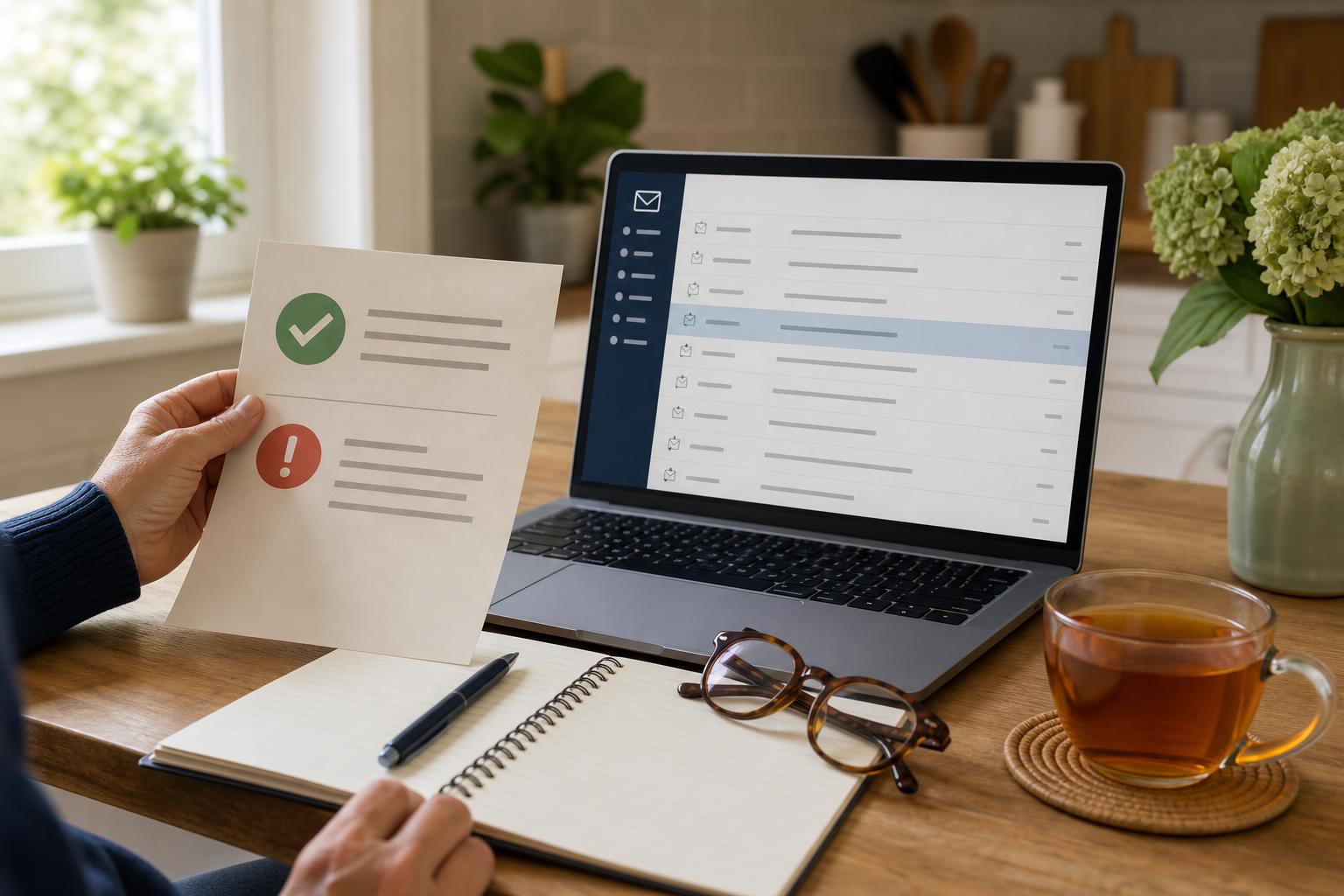
A genuine renewal email is a reminder that a subscription you signed up for will charge your card again on a coming date. It will usually include the plan name, renewal date, and last four digits of the card. A fake email tries to make you feel rushed by saying your subscription was canceled or that a payment failed, then asks you to click a link to fix it. Imagine your weekly grocery delivery email saying your box was canceled and clicking a button to restore it. That could be harmless if real, but if it is a fake the button can send you to a lookalike page that steals your login or card details. Keep in mind some real services also send notices about failed payments, but they will never ask for full card numbers or one-time codes over email.
How to check it
If you want to check the charge safely, do not click links in the email. Open a new browser window, and sign in to the service the way you normally do, not through any link in the message. If you keep records or a password manager, use that path. Follow these steps and take them slowly.
- Open a new browser and go to the service by typing the address or using a bookmark.
- Sign in and check your billing or subscriptions page for upcoming charges or failed payments.
- Compare the renewal date and card ending digits to those in the email. If they match, the notice is likely real.
- Contact the company using the support link on their official site if anything looks wrong.
For example, if a streaming service says renewal on June 20 and your account page shows June 20 with the same last four card digits, that’s a real reminder. If the account page shows no renewal or a different card, treat the email as suspicious.
What not to do
Do not reply to the email, open attachments, or call any phone numbers listed inside. Scammers can use reply threads to collect information or attachments with malware. Do not copy a one-time code from a text message into a form that appeared after clicking an email link. Remember a company will not ask for full card numbers, Social Security numbers, or one-time authentication codes over email. If the email urges you to act immediately or threatens account deletion in a short window, pause and follow the verification steps above. A real service will give you time and will let you check the account directly on their website.
Safety tip
Look at the sender address closely. Scammers use addresses that look similar but often have extra words, odd domain endings, or misspellings. Hover over links with your mouse on a computer to see where they lead before clicking. When you do inspect links, make sure the domain matches the company and starts with https colon slash slash. If you’re unsure, call the company using a number on your billing statement or on the official website you typed in yourself. For a household example, if a utility company email says your auto-pay failed and shows a phone number, cross-check that number against the one printed on last month’s paper bill.
Tech term explained
Authorization hold. When you authorize a subscription charge, the company may place a temporary hold on your card to confirm funds. That hold is not the same as a completed charge. You might see it as a pending amount on your bank statement. If a renewal email mentions a failed authorization, check your bank app for a pending hold or a declined payment notice. If you see a pending hold you did not expect, contact your bank using the number on the back of your card. The bank can tell you whether a merchant attempted a charge and whether to block future tries.
The bottom line
A calm check beats a rushed click. Treat any renewal or cancellation email as a prompt to sign into the service the normal way and confirm details there. Do not click links, do not give out full payment or code details over email, and use the company’s official contact info when in doubt. If something still looks off after you check the account, take a screenshot and save the email, then call the company or your bank. That record helps if you need a refund or to report fraud. Picture closing your laptop with the problem handled, knowing you did the right thing without giving away personal information.
Take care when your inbox asks you to act fast. A clear check will save you time and worry.
Warmly,
Emily
If you want help reading a suspicious renewal message, reply to this email with the sender address and the text you see and I’ll guide you through it.