
The Lumaneta Letter
Check three photos before you buy
Three photos and a model-number check to avoid the wrong charger.
If shopping for a charger, cable, adapter, filter, or small replacement part makes you sigh, you are not alone. I see the same mix of caution and guesswork in my inbox: people buying cords that are too short, adapters that do not fit, or replacement knobs that look right in a photo but have the wrong mount. Before you spend money and time returning things, a few careful photos and a model-number check will stop most mistakes. Below I’ll walk you through what pictures to take, how to read the fine print on labels, and which tiny detail usually matters most. Think of this as a quick habit you can use the next time you hunt for a part, whether it is for a phone, laptop, router, or blender.
What it means
Buying the wrong part usually comes from two mistakes: a mismatch in physical fit or a mismatch in electrical requirements. Physical fit means plug shape, connector size, screw spacing, or where a filter snaps into a slot. Electrical fit means voltage, current capacity, and sometimes polarity for older devices. A phone cable that fits may still charge slowly if it cannot handle the phone’s required power. A replacement knob that looks the same may not clip onto the shaft because the opening is millimeters off. When you take three simple photos and note the model number, you check both kinds of fit without guessing. That small effort saves time and the frustration of returns.
How to check it
If you have the device in front of you, use your phone camera and the label on the device. Take these three photos and then compare them to the seller’s listing or the replacement part image.
- Photograph the whole device with the part in place so the brand and model number are visible.
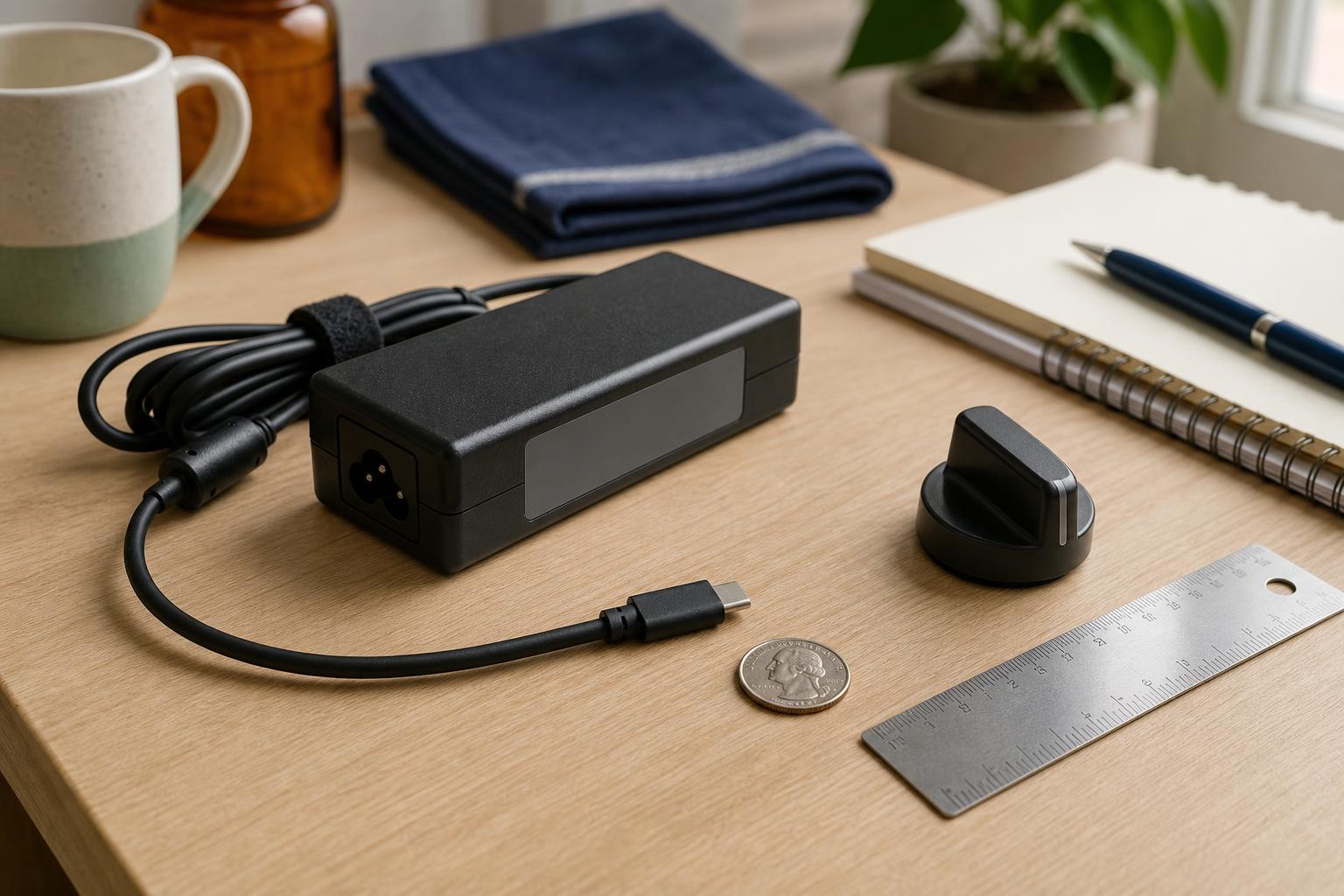
- Photograph the connector, plug, screw pattern, or slot close up with a coin or ruler for scale.
- Photograph the device label showing numbers like model, input/output voltages, and certification marks.
After you have the photos, read the seller’s description and match model numbers exactly. If the seller lists only a generic name, ask for the exact model number or a close-up of the part they will ship.

What not to do
Do not buy based on a blurry thumbnail or a single wide photo. Avoid assuming a connector is standard because it 'looks like' another one. Do not trust colloquial names like "laptop charger" without model specifics; manufacturers reuse plug shapes. Do not ignore tiny numbers such as 5V versus 12V or 1A versus 3A. A mismatched voltage can damage a device, while too-low current just means slow charging or failure to power. And do not skip asking the seller for the part’s exact model number if it is not listed. Sellers can usually confirm a size or send a close-up photo on request.
Safety tip
When dealing with power supplies, always check the label and use only parts rated for your device. Look for the input and output voltage and current on the adapter label. If a replacement lists a different output voltage, do not use it. Never open a charger or adapter to modify it yourself. And when testing a bought part for the first time, plug it into the device on a non-flammable surface and stay nearby. If something smells odd, makes a loud noise, or gets unusually hot within a minute, unplug it and stop. Never share passwords, bank details, Social Security numbers, or one-time codes when buying or confirming parts.
Tech term explained
Model number. This is the short code printed on the device label that uniquely identifies the exact version you own, such as 'TV-1234G' or 'HP 65W-ADP'. It matters more than the product name because manufacturers make multiple versions that look the same but use different internal parts. Voltage (V) is the electrical pressure; current (A, for amperes) is the flow. Watts (W) are voltage times current. USB-C is a connector shape and a power standard, but not all USB-C chargers supply the same power. Polarity is which pin is positive or negative on older barrel connectors. A tiny mismatch in any of these can make a charger incompatible.
The bottom line
Three clear photos plus the exact model number prevent most wrong purchases. Photograph the whole device with the label visible, a close-up of the connector with a coin or ruler for scale, and the label showing voltages and model details. Match the seller’s listing to those images and the numbers. When in doubt, ask for a close-up photo of the actual item they will ship. Taking this short pause before you buy will save you time, money, and the awkward surprise of a plug that will not fit into your appliance.
If you want, email me a description of the device and the photos you plan to use, and I will look them over. Take good pictures and be patient with sellers.
Warmly,
Emily
Emily
If you like these notes, forward this issue to a friend who repairs things around the house.