
The Lumaneta Letter
Pause the caller, verify the call
How to check a caller claiming to be Microsoft, your bank, or your internet company.
Hi, I know how unsettling it feels when someone calls claiming to be from Microsoft, Apple, your bank, or your internet company. You do not have to decide anything while your heart races. A calm pause can stop fraudsters cold and keep your computer and accounts safe. I wrote this short guide so you have words to say, a simple checklist to follow, and the right steps to verify a caller without handing over access or codes. Read it once and tuck it away. If a call ever feels off, you are allowed to slow it down, hang up, and check. That small pause is often all you need to stay safe.
What it means
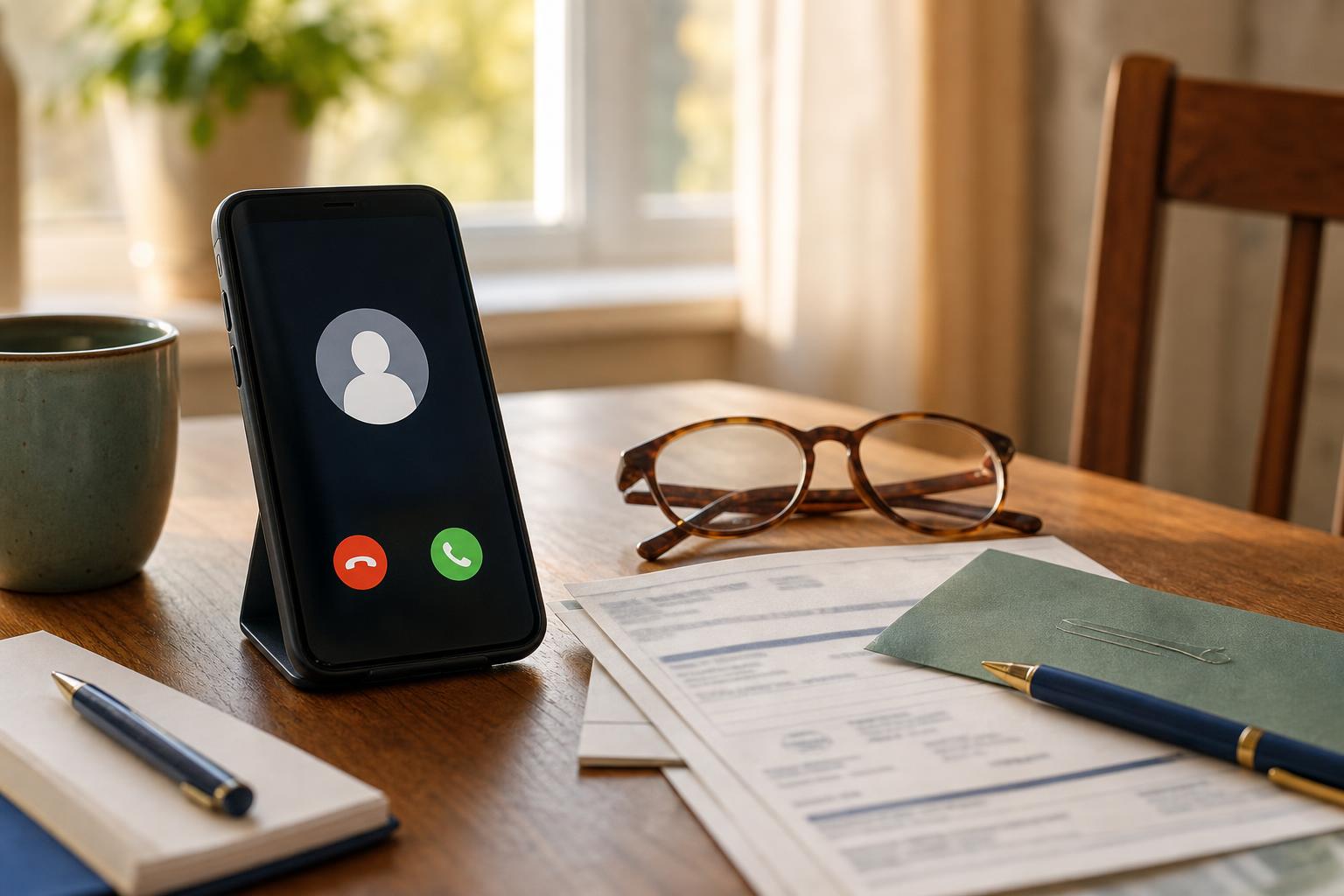
When someone says they are from Microsoft, Apple, your bank, or your internet provider, they may be a legitimate employee, a confused customer, or a scammer. Scammers often pretend to fix a problem that does not exist. They will urge you to act fast, ask you to install software, or request codes that let them into your accounts or computer. A real company rarely calls and asks you to install remote access software or give a one-time code over the phone without an earlier, expected reason. Picture a stranger telling you your computer has a virus and asking you to click a link. That is the kind of call to treat with caution.
How to check it
Start by slowing the call down and checking who actually called. Use these steps if the caller claims to be from tech support or your bank.
- Ask for the caller's name, department, and company phone number.
- Tell them you will hang up and call the company back on a number you find yourself.
- Look up the company number on an official bill, the back of your bank card, or the company website typed into your browser. Do not use numbers the caller gives you.
- Call the official number and ask if they placed the call. If they did not, report the number and hang up.

What not to do
Do not let the caller rush you or make you feel guilty. Avoid these common traps. Do not install remote access programs such as TeamViewer, AnyDesk, or a "support" app unless you initiated the contact and verified the person first. Do not read out one-time codes, bank verification numbers, or passwords. Those codes are like keys and can give a stranger access to your accounts. Do not follow instructions to move money, buy gift cards, or wire funds because of a caller’s story. And do not provide personal details like your Social Security number or full account numbers over the phone to an unexpected caller.
Safety tip
If you already gave access or codes, act quickly but calmly. First, hang up. Then follow these two actions: change the passwords for the affected account on a device you trust, and call your bank immediately using the number on the back of your card. If remote access software was installed, uninstall it and run a reputable antivirus scan. For extra help, ask a trusted friend or family member to sit with you while you call the official company. Keep a paper list of important company phone numbers in a drawer so you can check numbers without searching the web under pressure.
Tech term explained
Remote access. This is software that lets someone control your computer from somewhere else. Legitimate tech support sometimes uses it to fix problems, but a scammer can use it to copy files, install programs, or read passwords. One-time codes. These are short numbers sent by text or an app to verify your identity. They are not passwords to give to callers. Caller ID spoofing. This trick makes a scammer’s number look like it is from a bank or government agency on your phone. Caller ID can be faked, so a familiar-looking number is not proof the call is real. Treat the call, not the number, as the test.
The bottom line
You do not owe a caller immediate action. Pause, verify, and protect your accounts. Ask for details, hang up, and call the company back using a phone number you trust. Never give remote access, one-time codes, or sensitive personal numbers to an unexpected caller. Picture yourself closing your laptop, calling the number on your bank card, and telling a polite agent what happened. That small, steady procedure will stop most scams. If in doubt, take a break from the call and ask someone you trust to help you check the numbers and steps.
Take a deep breath. You are allowed to pause and verify. If you want a quick script to use on a call, reply and I will send one.
Warmly,
Emily
If you want help writing a short script to use on suspicious calls, reply and I will send one.