
The Lumaneta Letter
How to check an urgent package text safely
Quick steps to verify a delivery text before you tap anything.
If a text says your package is urgent, I know that little rush in your chest can make you want to tap right away. Breathe. Most delivery texts are harmless, but some are tricks to steal info or install malware. Below I’ll show you a short, calm way to check a delivery text so you can decide what to do next.
What it means
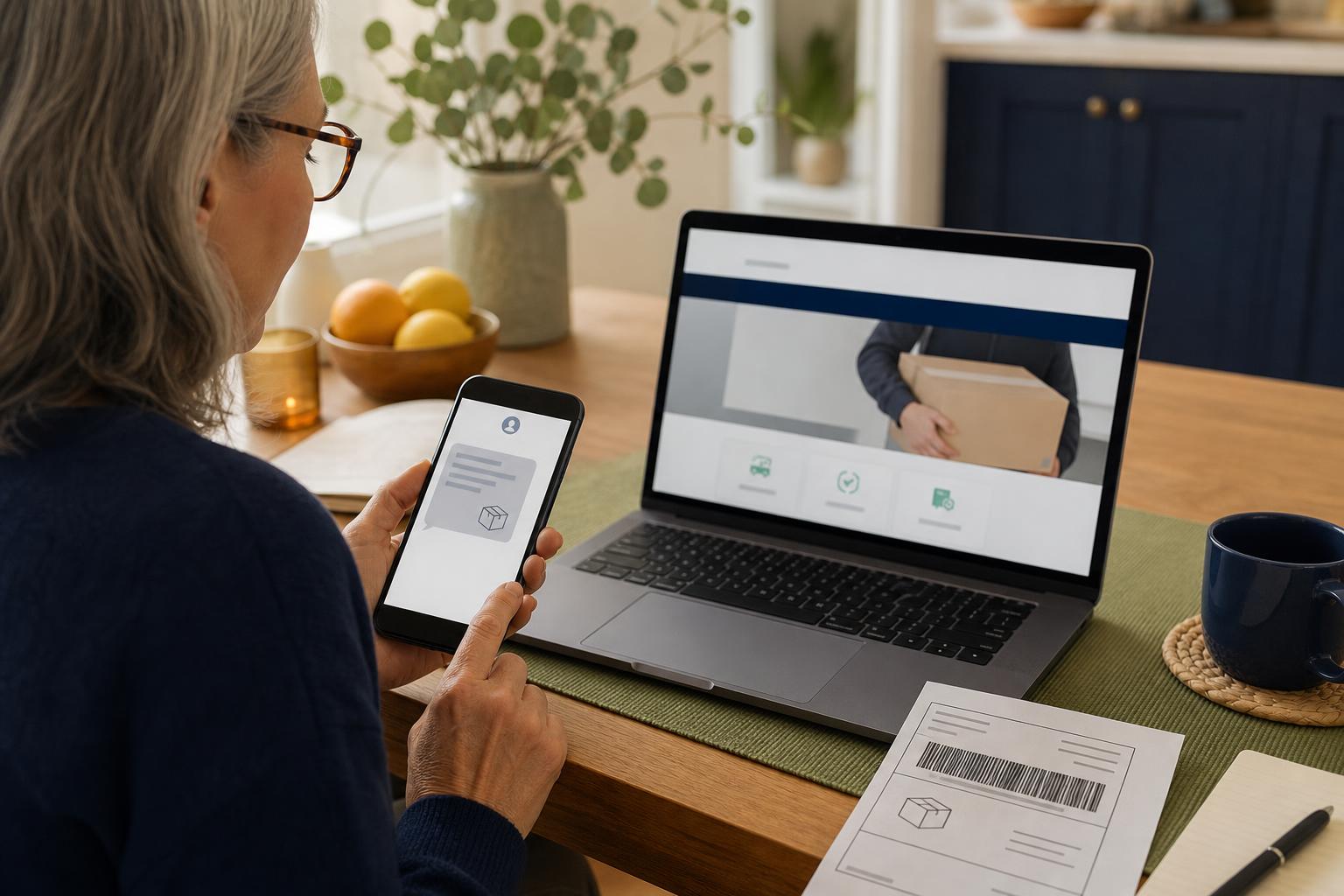
A typical delivery text claims a courier needs more information, missed you, or has a problem with a package. Often the sender wants you to click a link, call a number, or enter personal details. Sometimes it is a genuine notice from a carrier. Other times it is a scam that looks real. The key is that scammers try to get you to act quickly and skip thinking. Slow down and check.
Tiny check
A suspicious message arrives. What would you check first?
Pretend the message from this issue just landed on your phone. Tap the clue you would check first.
How to check it
Follow these steps before you tap a link or call a number. They take a minute and cut most risk.
- Look at the sender. If it is a short code or a strange number, treat it with caution. Official carriers often use a recognizable name or a long number tied to their service.
- Read the message for urgent language and spelling. If it pressures you to act now or asks for personal details, do not respond.
- Open the carrier’s official app or website directly. Type the carrier name into your browser or open the app you already use and check recent deliveries there. Do not use links in the text.
- Call the carrier’s customer number from their website if you still have doubts. Do not call numbers in the text unless you have verified them on the official site.
What not to do
Do not tap links in the message. Links can lead to fake pages that ask for your information or try to install software on your phone. Do not reply with any personal information, including tracking numbers you are not sure about. Do not give one-time codes to anyone who contacts you over text or phone. Those codes can let a scammer get into accounts. If you are not sure, stop and check using the carrier’s official channel.
Safety tip
If you opened a suspicious link, close the browser and clear its history and cache. If you think you entered account details or a code, change the password for that account right away and enable two-step verification if you do not have it. If you received a call from a number claiming to be a courier and it felt pushy, hang up and call the carrier from their website. Keep your phone’s operating system updated; those updates help block some harmful software.
Tech term explained
Phishing. That is the name for messages that try to trick you into giving away information or clicking a bad link. They can arrive by email, text, or phone call. Phishing messages often copy logos and language of real companies. Think: does this message match what the real company would do? If not, it is probably phishing.
The bottom line
When a delivery text feels urgent, stop and verify. Check the sender, read the wording, use the carrier’s official app or website, and call the verified number if needed. A minute of checking keeps your information and phone safer than tapping out of panic.
Try it this week
Try the three-clue pause
Find one recent message that made you pause. Without tapping, name the sender, what it wants, and the safer way to check. If one clue still feels off, send the screenshot to Emily.
Send the screenshotTake it slow with unexpected delivery messages. A quick check keeps worry and trouble away. Warmly, Emily
If you want, forward a suspicious text to a trusted friend or call a carrier’s official support line for confirmation.