
The Lumaneta Letter
Spot fake virus pop-ups without calling
How to check a scary-sounding alert and stay safe on your computer.
You are not alone if a sudden scary pop-up made your heart skip a beat. These fake virus alerts are designed to frighten you into calling a number or clicking a link. Keep calm. Most of them are tricks, and you can check whether an alert is real in a few quick steps.
What it means
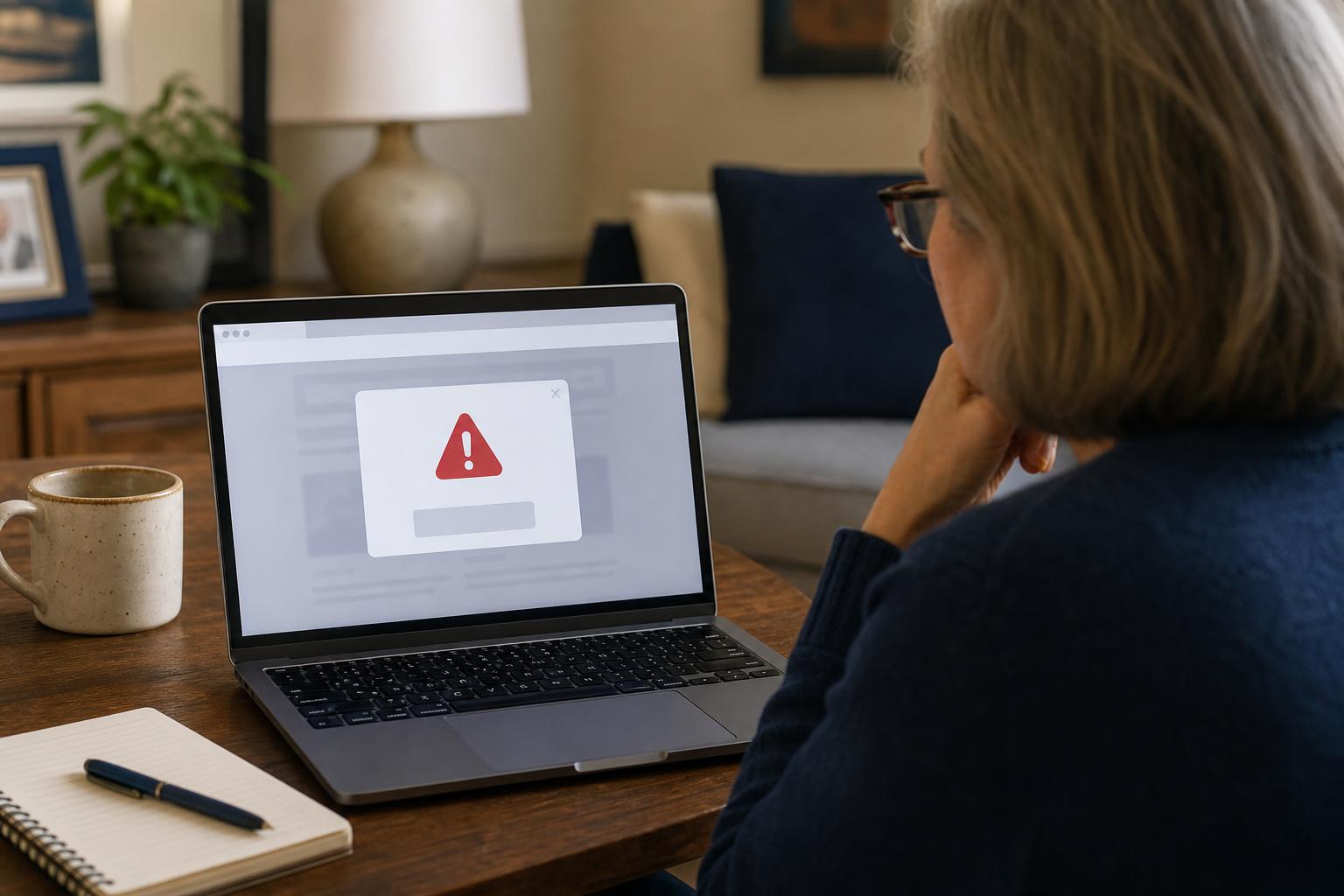
A fake virus pop-up is a message that looks urgent and official but is actually created by scammers. They often claim your computer is infected and offer a phone number or button to “fix” it. The goal is to get you to call, give remote access, or pay for useless software. Real antivirus warnings come from software you installed and rarely ask you to call a phone number.
Tiny check
A suspicious message arrives. What would you check first?
Pretend the message from this issue just landed on your phone. Tap the clue you would check first.
How to check it
Before you do anything, take a breath. Then follow these steps. 1. Look at the window. If the alert appears in your web browser window and not a separate program, close the tab. 2. Check the sender. If it says call a number, promises an immediate refund, or pressures you to act right now, treat it as suspicious. 3. Open your antivirus program yourself. Run a quick scan from the program you trust rather than clicking the alert.
If you cannot close the tab: press Control W on Windows or Command W on a Mac to close the browser tab. If the whole browser freezes, use the task manager on Windows or Force Quit on a Mac to close the browser. After that, reopen the browser and clear recent history if you like.

What not to do
Do not call any phone number shown in the pop-up. Do not click links or download files the popup offers. Do not give remote access to anyone who contacts you about the alert. Do not enter credit card information because a legitimate antivirus will not demand payment over a random pop-up. If someone asks for one-time login codes, passwords, or bank details, close the connection and block the caller.
Safety tip
If you feel unsure, pause and make a small plan. 1. Turn off your microphone and camera if the caller asks to connect remotely. 2. Ask for a company name and hang up. 3. Look up the company independently and call a published customer service number.
Keep your computer updated and use a reputable antivirus program. That reduces the chance of real infections and makes fake alerts less convincing. If you do need help, ask a trusted friend or family member to look with you rather than letting a stranger in.
Tech term explained
Scareware. This is the name for fake alerts that use fear to trick you. They are not actual infections. Another common term is phishing, which usually refers to email or messages that try to steal your login or money. Knowing these words helps you recognize the tactics without getting lost in tech speak.
The bottom line
A genuine antivirus alert will come from software you installed and will not pressure you to call a number. Close browser pop-ups, run your own scan from your antivirus app, and never give control or money to someone who contacted you through a pop-up. Stay calm. A quick check is usually all you need.
Try it this week
Try the three-clue pause
Find one recent message that made you pause. Without tapping, name the sender, what it wants, and the safer way to check. If one clue still feels off, send the screenshot to Emily.
Send the screenshotYou are doing the right thing by stopping and checking. If you want a second set of eyes, I am happy to look with you by email. Take care, Emily
If you want a simple checklist to print, reply to this email and I will send one.