The Lumaneta Letter
What the little lock in your browser means
Why the lock matters, what it protects, and what it does not.
If that tiny lock in your browser makes you feel safer but you are not sure why, you are not alone. It does mean something useful, but not everything. I will walk you through what that lock actually tells you and what it does not, so you can make better decisions about sites you visit.
What it means
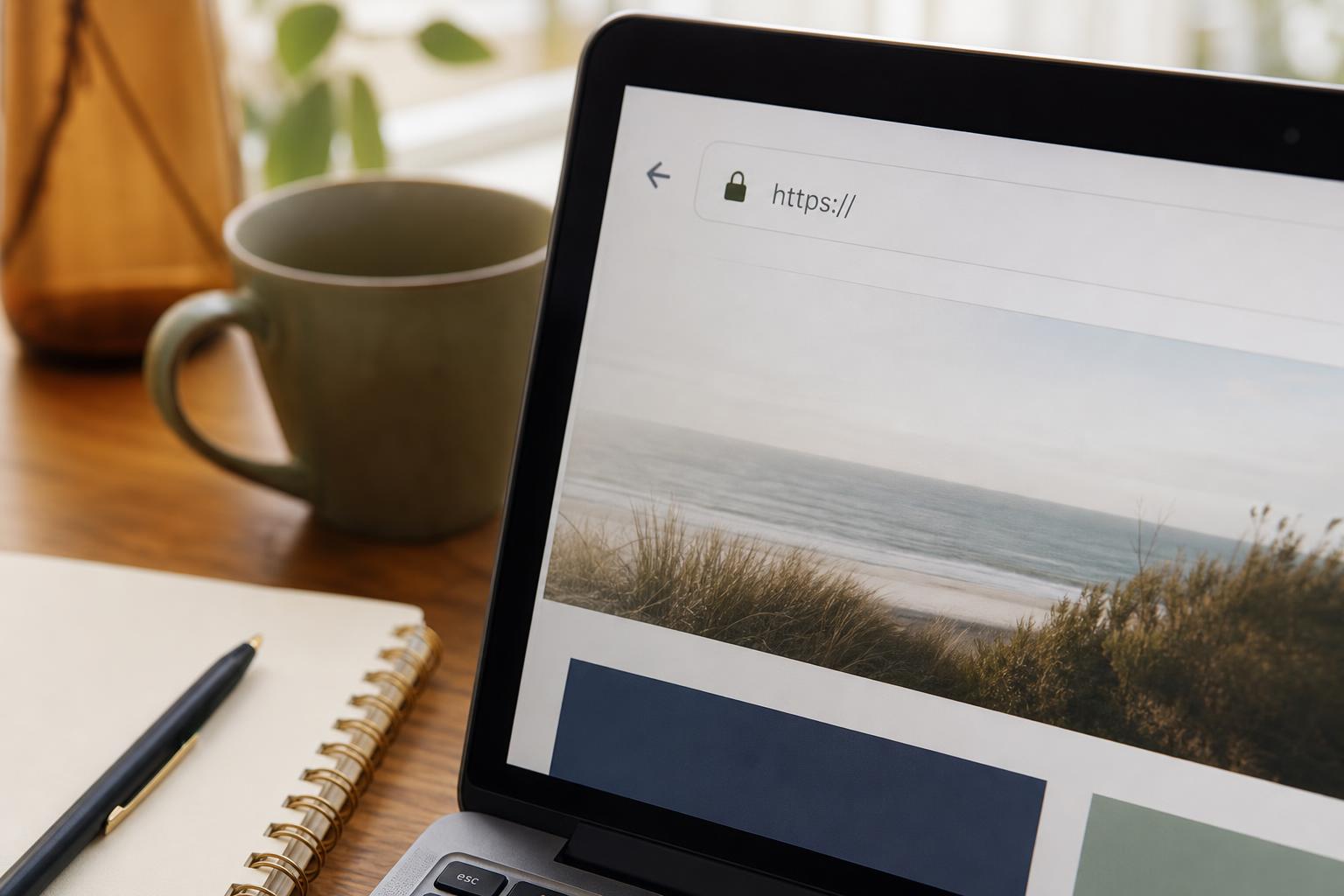
The lock shows that the connection between your browser and the website is encrypted. That means the information you type, like a password or address, travels in a way that is much harder for strangers on the same network to read. It does not mean the website is honest, safe, or free of malware. The lock is about the trip your data takes, not the people who run the site.
Tiny check
Something on a screen feels confusing. What is the first clue?
Tap the clue that would help Emily understand it fastest.
How to check it
When you want to confirm the lock is real, follow these steps.
1. Click the lock icon next to the web address in your browser.
2. Read the short message the browser shows about the connection or certificate.
3. If you need more detail, click the certificate or site info button the browser offers to see who issued it.
These quick checks take a few seconds and tell you whether the connection is encrypted and who issued the encryption certificate.

What not to do
Do not assume a lock means the site is trustworthy. Scammers can get certificates for fake sites and still show the lock. Do not enter personal information just because a lock is present. Do not ignore other warning signs like strange web addresses, poor spelling, or pressure to act right away. Treat the lock as one helpful signal among many.
Safety tip
If a site asks for sensitive information and you are unsure about it, leave the page and go to the company’s official address you already know or call them. If the lock is missing on a page that asks for passwords or payment, do not enter anything. When using public Wi-Fi, consider using your phone’s hotspot or wait until you are on a private connection for sensitive tasks.
Tech term explained
Certificate. A certificate is a digital ID that ties a website to an encryption key. A trusted company issues the certificate after checking the site operator, though checks vary. HTTPS. This is the secure version of the web address that uses encryption. Encrypted connection. This means data is scrambled as it travels, so people watching the network cannot easily read it.
The bottom line
The lock means your connection is encrypted. That is good and important. It does not guarantee the site is safe or honest. Use the lock as one quick check, then look at the address, the site’s tone, and whether you expected to be there. If anything feels off, step away and verify by other means.
Try it this week
Try it on one real screen
Use one idea from this issue before the week is over. Notice what changed, what still felt unclear, and the exact words on the screen. That is enough to turn a vague problem into a useful question.
Send the unclear partTake small pauses when a website asks for important information. I am cheering for your safe browsing. Emily
If you want a quick screenshot review, reply to this email with the web address and I will look at the details for you.